Setting Up a React.js Project
In practice, using React like this isn't suitable for a production-ready project. You need an actual React project in order to unleash its full power.
The React team used to maintain a command-line tool called create-react-app, which allows you to easily initialize a new React app. However, this tool was deprecated in 2023. Nowadays, the go-to method for creating a React application is using Vite.
Vite is a modern frontend build tool known for its fast development server with native support for Hot Module Replacement (HMR), which is a technology that allows developers to apply code updates in real time without having to refresh the entire page.
Go to your work directory, and run the following command to initialize a new project:
npm create vite@latestYou will then be prompted to provide a name and select a framework. Make sure you select React, and hit Enter:
> npx
> "create-vite"

│
◇  Project name:
│  <my_project>
│
◆  Select a framework:
│  ○ Vanilla
│  ○ Vue
│  ● React
│  ○ Preact
│  ○ Lit
│  ○ Svelte
│  ○ Solid
│  ○ Ember
│  ○ Qwik
│  ○ Angular
│  ○ Marko
│  ○ Others
└
Vite will then ask if you opt to use TypeScript and the React Compiler, a faster alternative to Babel.
> npx
> "create-vite"

│
◇  Project name:
│  <my_project>
│
◇  Select a framework:
│  React
│
◆  Select a variant:
│  ○ TypeScript
│  ○ TypeScript + React Compiler
│  ○ JavaScript
│  ● JavaScript + React Compiler
│  ○ RSC
│  ○ React Router v7 ↗ https://reactrouter.com
│  ○ TanStack Router ↗ https://tanstack.com/router
│  ○ RedwoodSDK ↗ https://rwsdk.com
│  ○ Vike ↗ https://vike.dev
└
Select JavaScript + React Compiler and hit Enter:
> npx
> "create-vite"

│
◇  Project name:
│  <my_project>
│
◇  Select a framework:
│  React
│
◇  Select a variant:
│  JavaScript + React Compiler
│
◆  Install with npm and start now?
│  ● Yes / ○ No
└
Confirm again, wait for the installation process to finish, and a new project should be initialized with the following files:
<my_project>
├── .gitignore
├── README.md
├── eslint.config.js
├── index.html
├── package-lock.json
├── package.json
├── public
│   ├── favicon.svg
│   └── icons.svg
├── src
│   ├── App.css
│   ├── App.jsx
│   ├── assets
│   │   ├── hero.png
│   │   ├── react.svg
│   │   └── vite.svg
│   ├── index.css
│   └── main.jsx
└── vite.config.js
And a dev server should be started:
> npx
> "create-vite"

│
◇  Project name:
│  <my_project>
│
◇  Select a framework:
│  React
│
◇  Select a variant:
│  JavaScript + React Compiler
│
◇  Install with npm and start now?
│  Yes
│
◇  Scaffolding project in /Users/.../<my_project>...
│
◇  Installing dependencies with npm...

added 138 packages, and audited 139 packages in 1m

31 packages are looking for funding
  run `npm fund` for details

found 0 vulnerabilities
│
◇  Starting dev server...

> demo@0.0.0 dev
> vite


  VITE v8.0.11  ready in 1030 ms

  ➜  Local:   http://localhost:5173/
  ➜  Network: use --host to expose
  ➜  press h + enter to show help
If the server is not starting, go into the project directory:
cd <my_project>And run:
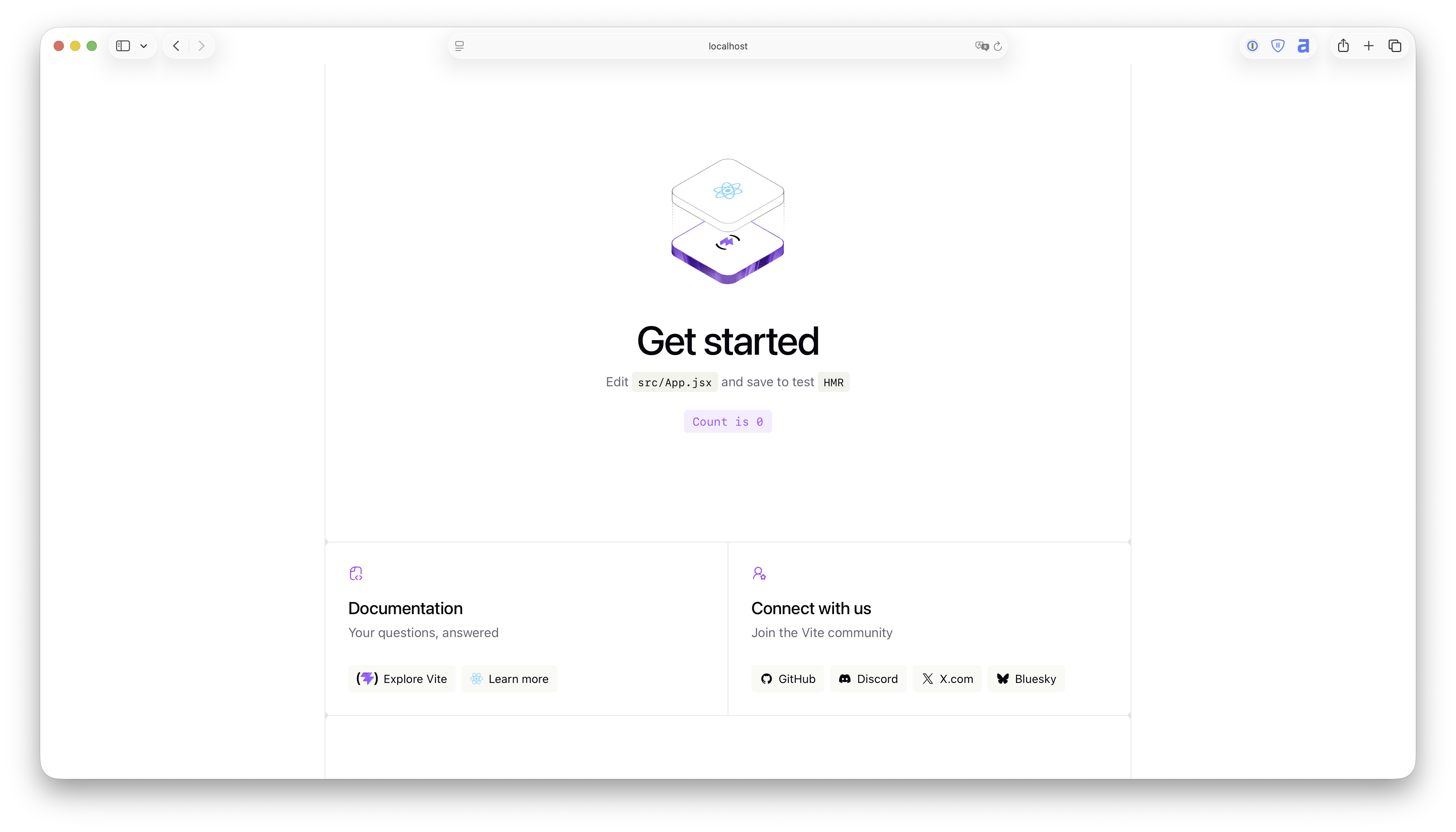
npm run devOpen the browser and visit http://localhost:5173/, and you should see the following page.
export default function App() {
  return <h1>Hello, World!</h1>
}