The Layout Elements in HTML
So far, we've only been discussing elements for displaying content.
There is, in fact, a whole other category of HTML elements that organize other elements.
They are not designed to display any specific type of content, but instead, they act as containers for other elements.
When combined with CSS, they can create different layouts for the webpage.
Some of the commonly used layout elements are shown in the table below:
| Element | Description |
|---|---|
<header> | Defines a header section for the document, usually at the top of the webpage. |
<nav> | Defines a navigation bar, often with the header but sometimes placed in a sidebar. |
<section> | Defines a thematic section of the document. |
<article> | Defines an independent, self-contained piece of content. |
<aside> | Content aside from the main content, such as a sidebar or tangential info. |
<footer> | Defines a footer section, typically at the bottom of the webpage. |
<div> | Generic non-semantic block-level container used to group elements. |
Without CSS, these layout elements will have the same appearance and not do what they are supposed to do.
html
<header>Header</header>
<nav>Nav</nav>
<section>Section</section>
<article>Article</article>
<aside>Aside</aside>
<footer>Footer</footer>
<div>Div</div>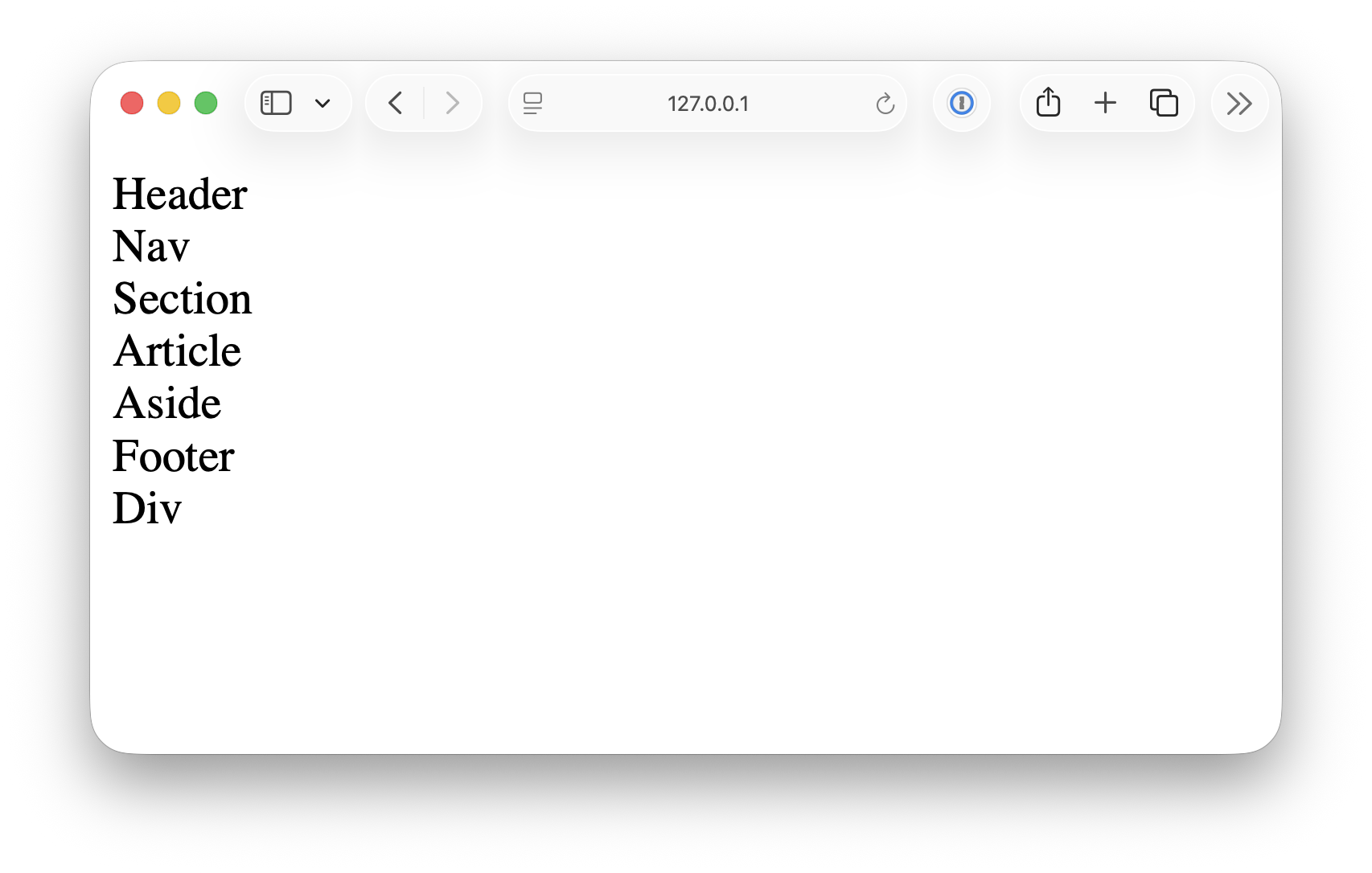
But don't worry, we will come back to this topic later. For now, you only need to know that these elements are primarily used to create page layouts.
<!DOCTYPE html> <html lang="en"> <head> <meta charset="UTF-8"> <meta name="viewport" content="width=device-width, initial-scale=1.0"> <title>Document</title> <link rel="stylesheet" href="/styles.css"> </head> <body> <header> <h1>HTML Elements Demo Page</h1> <p> This page demonstrates core text, formatting, and layout elements in HTML. </p> </header> <nav> <a href="#">Home</a> <a href="#">Docs</a> <a href="#">About</a> </nav> <main> <section> <h2>Text Content Elements</h2> <h1>Heading 1</h1> <h2>Heading 2</h2> <h3>Heading 3</h3> <h4>Heading 4</h4> <h5>Heading 5</h5> <h6>Heading 6</h6> <p> This is a paragraph. It contains <a href="#">a link</a> and explains basic text structure. </p> <ul> <li>Unordered list item 1</li> <li>Unordered list item 2</li> </ul> <ol> <li>Ordered list item 1</li> <li>Ordered list item 2</li> </ol> <dl> <dt>HTML</dt> <dd>HyperText Markup Language</dd> <dt>CSS</dt> <dd>Cascading Style Sheets</dd> </dl> <blockquote cite="https://example.com"> “This is a blockquote element used to quote external sources.” </blockquote> <p> <abbr title="HyperText Markup Language">HTML</abbr> is used to structure content. </p> <p><cite>– The Web Book</cite></p> </section> <section> <h2>Text Formatting Elements</h2> <p><strong>Strong</strong> text is used for emphasis.</p> <p><em>Emphasized</em> text is italicized.</p> <p><b>Bold</b> and <i>Italic</i> without semantic meaning.</p> <p>This is <mark>highlighted</mark> text.</p> <p>Use <code><code></code> for inline code.</p> <pre><code>const hello = "world";</code></pre> <p> Text can be <small>small</small> or <del>deleted</del> or <ins>inserted</ins>. </p> <p>H<sub>2</sub>O (subscript), and E = mc<sup>2</sup> (superscript)</p> <p><kbd>Ctrl + C</kbd> for copy</p> </section> <section> <h2>Layout Elements</h2> <article> <h3>Article Title</h3> <p> This is an <code><article></code> element, useful for self-contained content. </p> </article> <aside> <h4>Aside Section</h4> <p> This is an <code><aside></code>, often used for side content or tips. </p> </aside> <section> <h4>Nested Section</h4> <p> This is a nested <code><section></code> inside another section. </p> </section> <div> <p> This content is wrapped in a <code><div></code>, a generic block container. </p> </div> <details> <summary>Lorem ipsum dolor sit amet consectetur adipisicing elit</summary> Lorem ipsum dolor sit amet consectetur. . . </details> </section> </main> <footer> <p>© 2025 XXXX Corp. Built with ❤️ using HTML.</p> </footer> </body> </html>