The Text Elements in HTML
The paragraph element
The paragraph, <p></p>, is the most commonly used HTML element.
It is a block-level element, meaning each paragraph starts on a new line.
<body>
  <p>This is the first paragraph.</p>
  <p>This is the second paragraph, which starts on a new line.</p>
</body>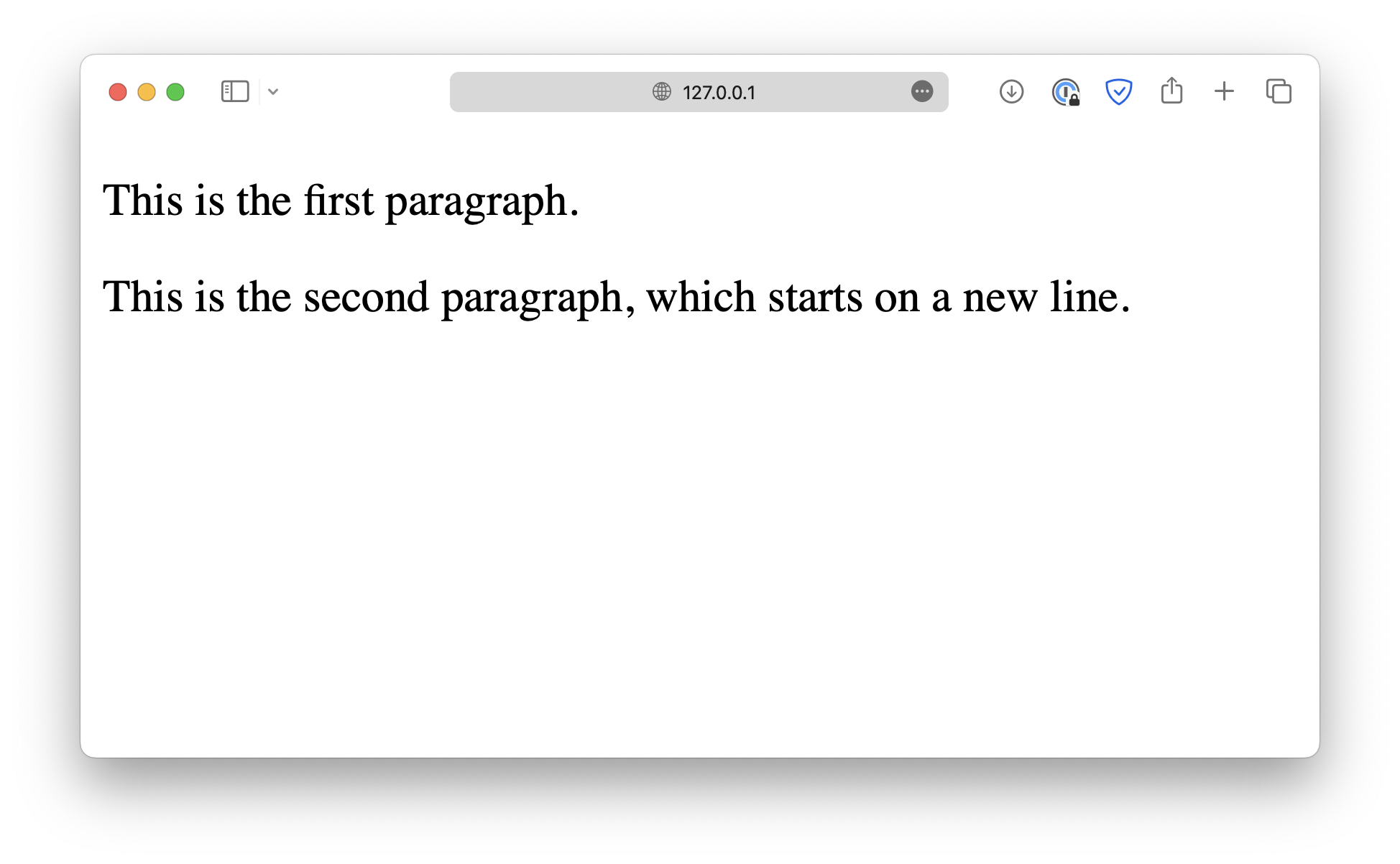
Without <p> , the browser will ignore the extra white spaces, and render the text in a single line.
<!-- prettier-ignore -->
<body>
 This is the first paragraph.
 This is the second paragraph, which starts on a new line.
</body>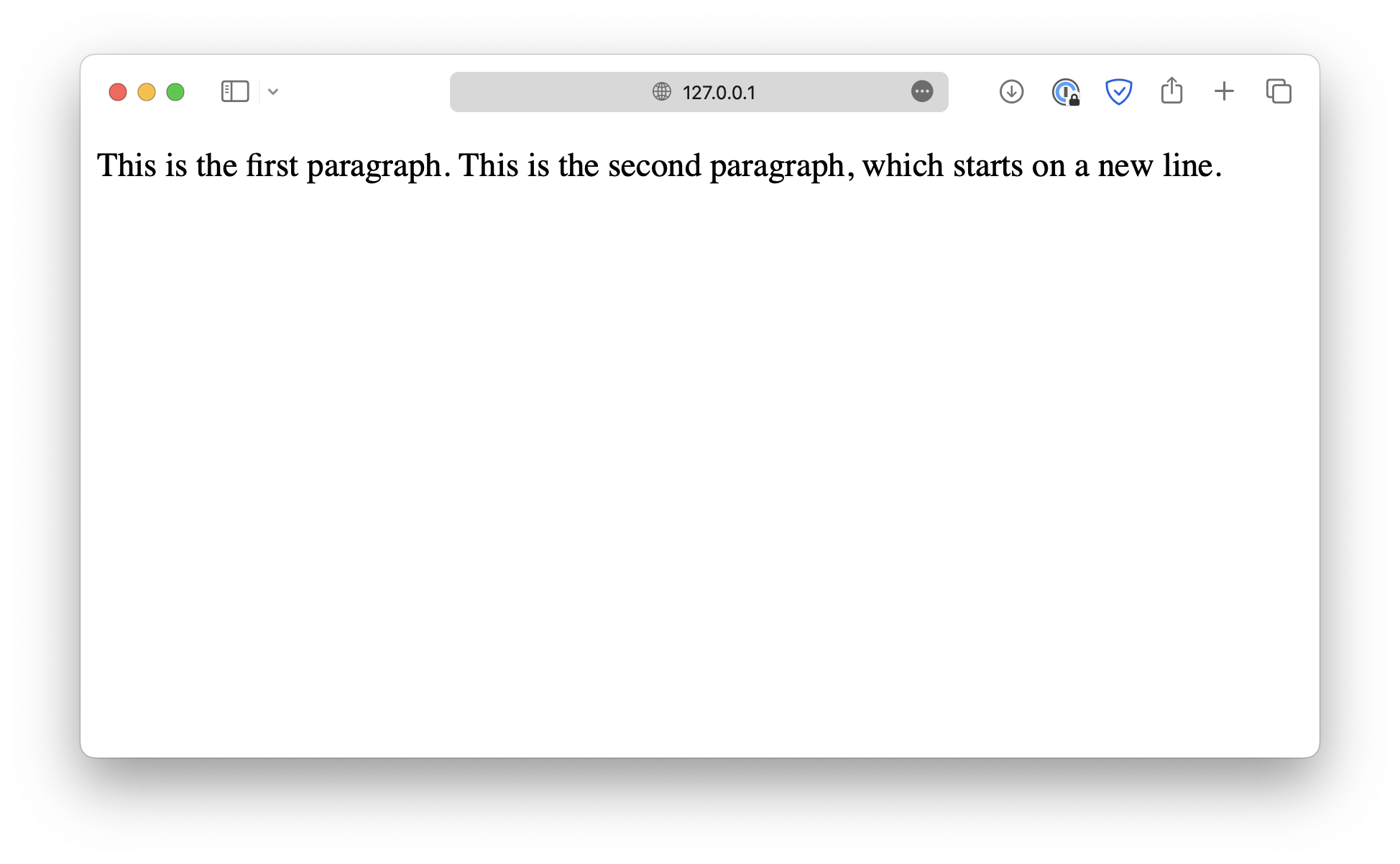
Use <br /> if you want to add a line break inside a paragraph. This is one of those HTML elements that does not require an opening tag.
<body>
  <p>
    This is the first paragraph.<br />
    This is the second paragraph, which starts on a new line.
  </p>
</body>
The heading elements
When writing an article, it is good to add headings between paragraphs to make the article more organized.
An HTML document works the same way.
HTML provides six levels of headings, from <h1> to <h6>.
<h1>Heading 1</h1>
<h2>Heading 2</h2>
<h3>Heading 3</h3>
<h4>Heading 4</h4>
<h5>Heading 5</h5>
<h6>Heading 6</h6>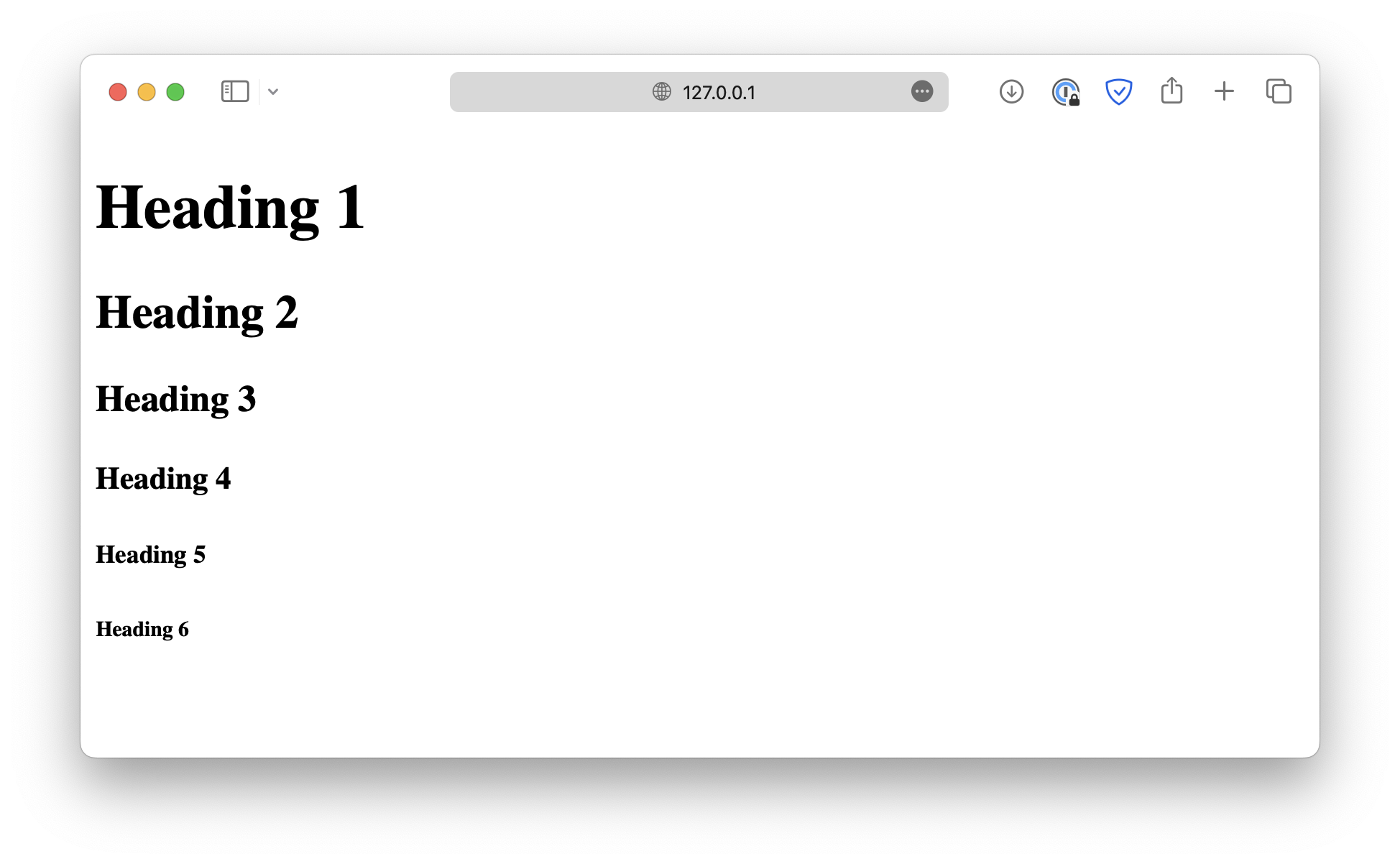
These headings create a hierarchical structure, with <h1> being the top heading. It plays a special role on the webpage, and there should be only one <h1> element that summarizes the entire webpage.
Formatting elements
Sometimes you may want to emphasize specific words or paragraphs by making them bold, italicized, or underlined.
HTML provides formatting elements that can help achieve this effect.
- Bold text:
<b>and<strong>
<p>
  Lorem ipsum <b>dolor sit</b> amet consectetur
  <strong>adipisicing elit</strong>.
</p>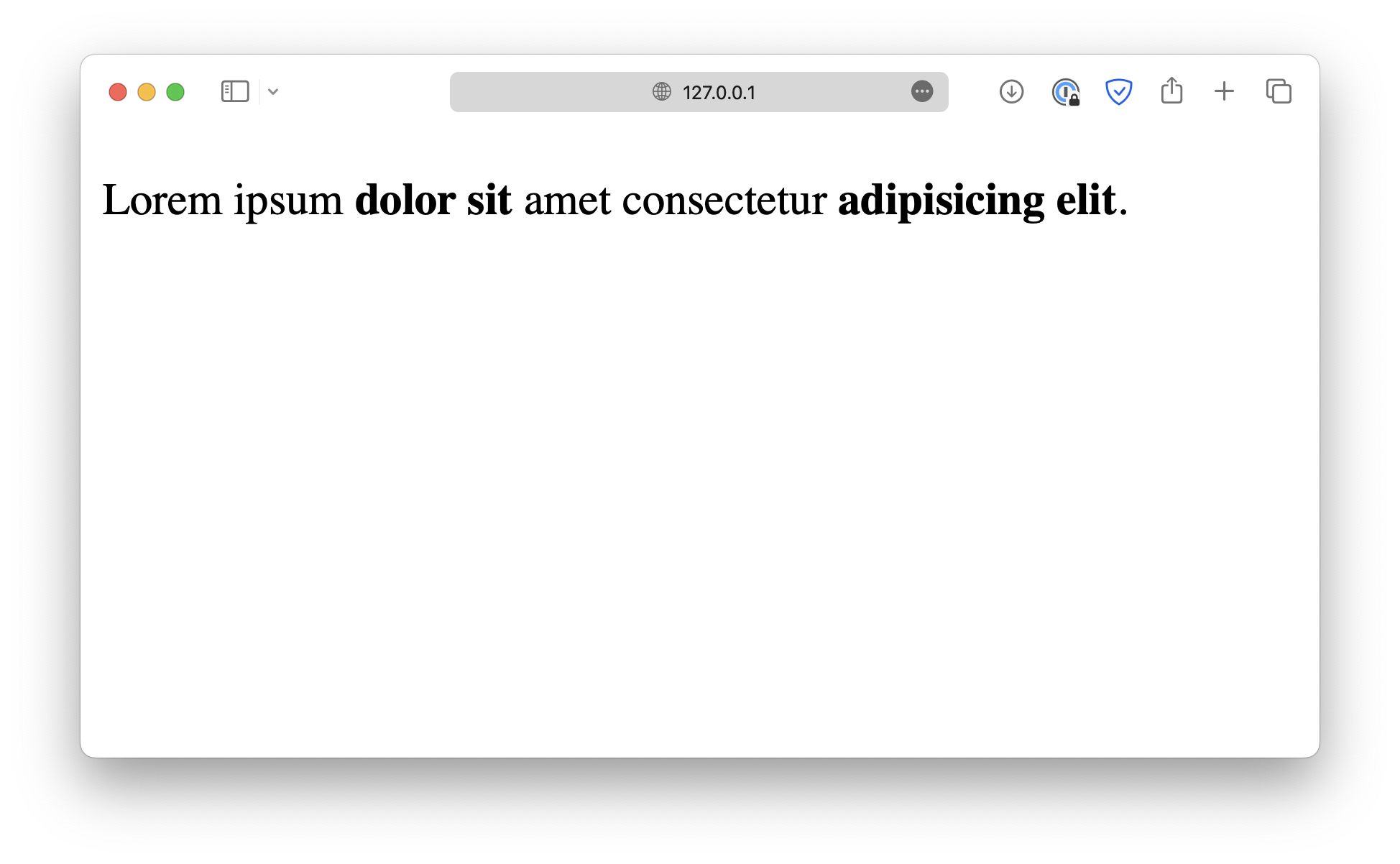
Even though they appear the same, they serve different purposes for browsers and search engines.
<b> only makes the text bold without adding any particular meaning, while <strong> indicates that the enclosed text has substantial importance.
- Italic text:
<i>and<em>
<i> does not indicate any special meaning, and <em> defines an emphasized text, displayed in italic form.
<p>Lorem ipsum <i>dolor sit</i> amet consectetur <em>adipisicing elit</em>.</p>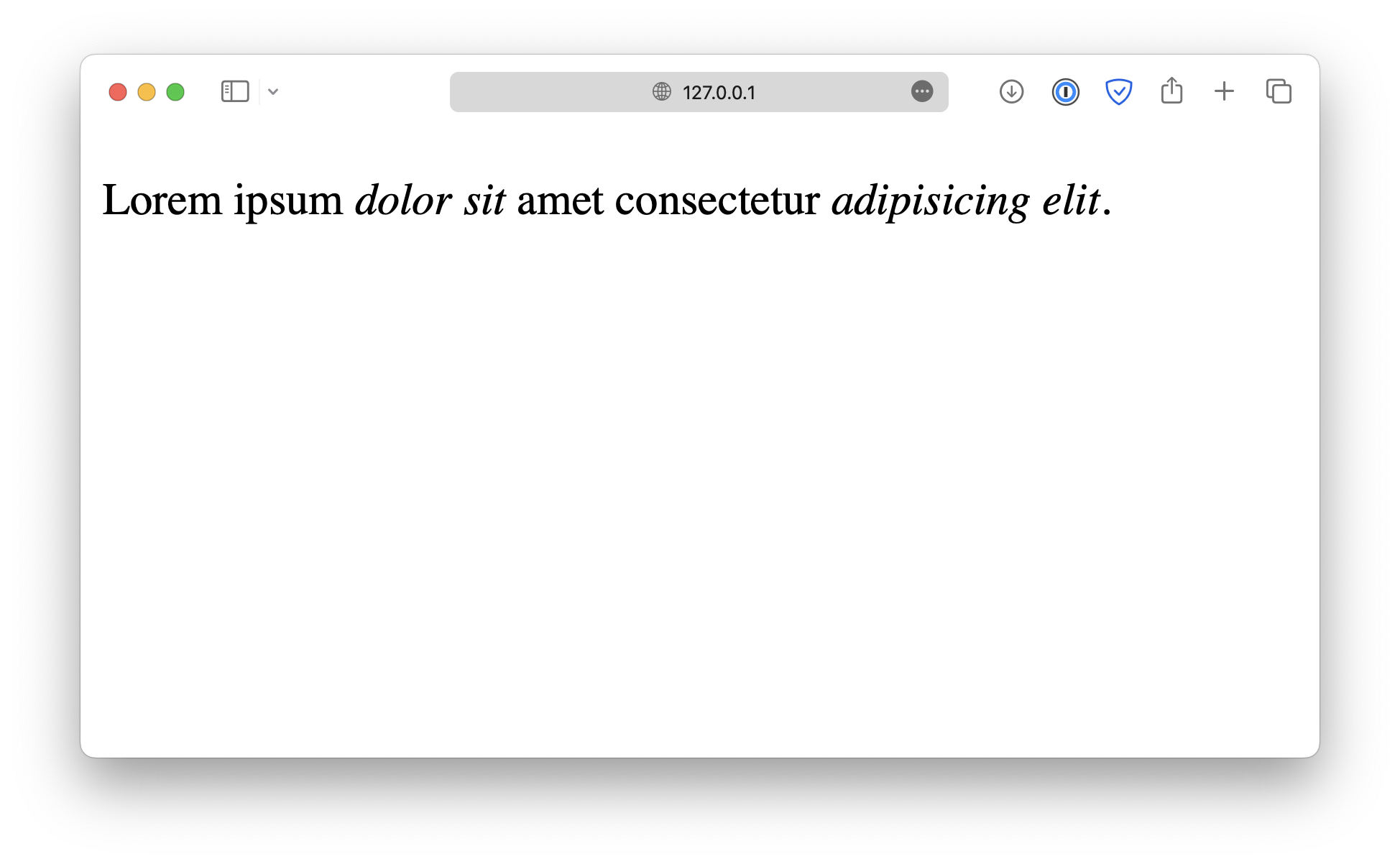
- Highlighted text:
<mark>
<p>Lorem ipsum <mark>dolor sit</mark> amet consectetur adipisicing elit.</p>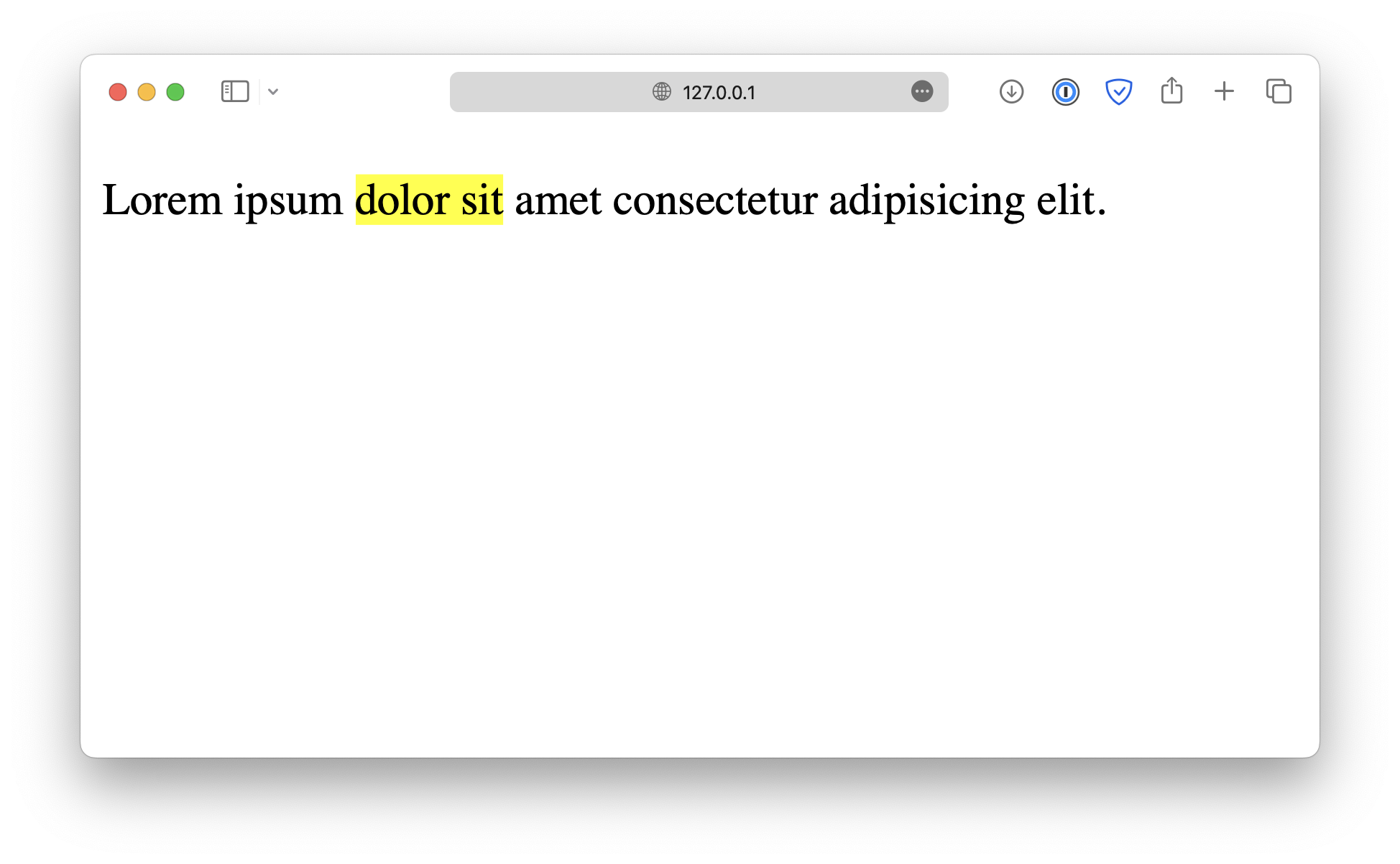
- Small text:
<small>
<p>Lorem ipsum <small>dolor sit</small> amet consectetur adipisicing elit.</p>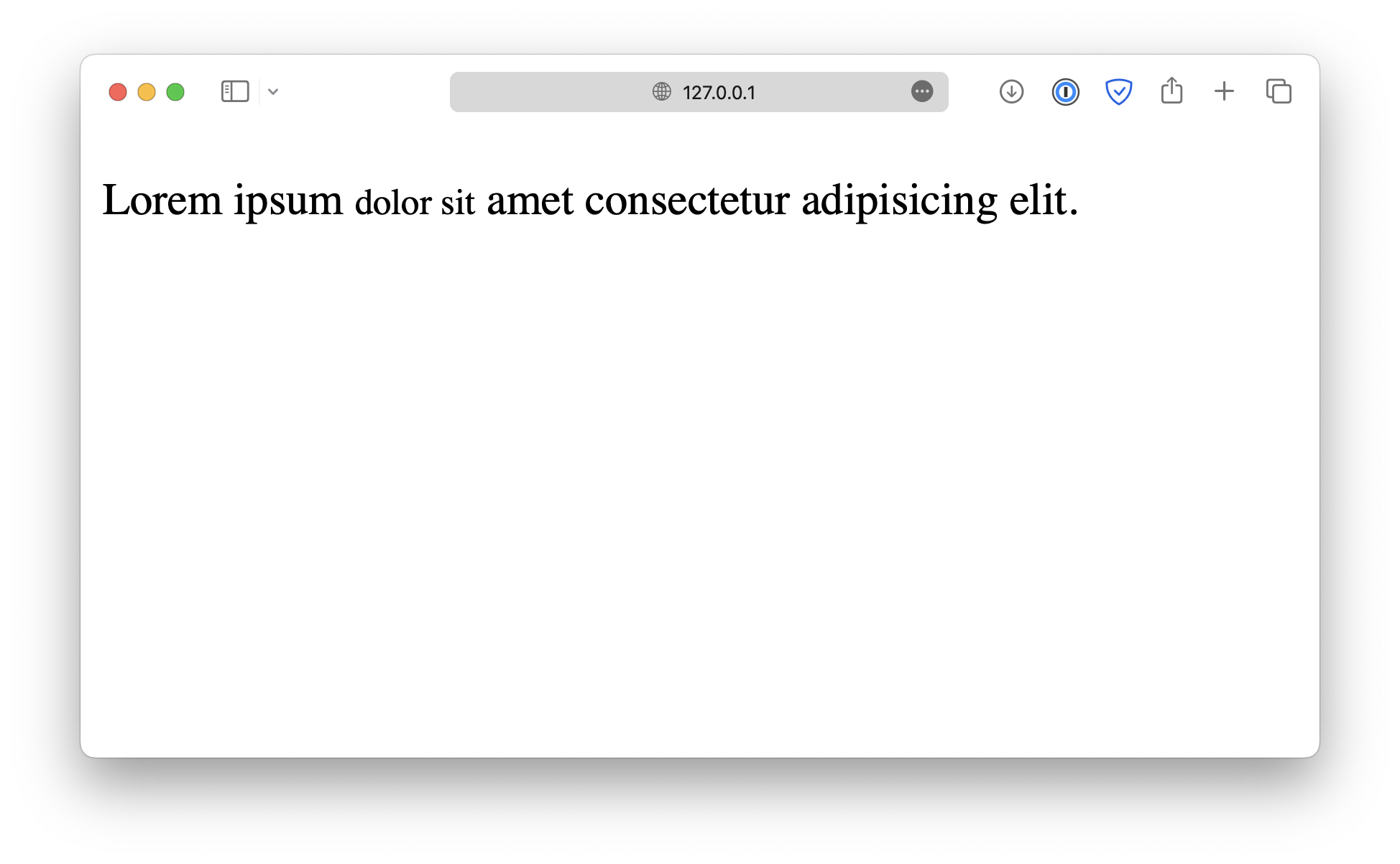
- Deleted & inserted text:
<del>and<ins>
<del> indicates deleted text, displayed by adding strikethrough across the enclosed text.
Similarly, the <ins> element indicates inserted text, which is displayed in underlined text.
<p>
  Lorem ipsum <del>dolor sit</del> amet <ins>consectetur adipisicing</ins> elit.
</p>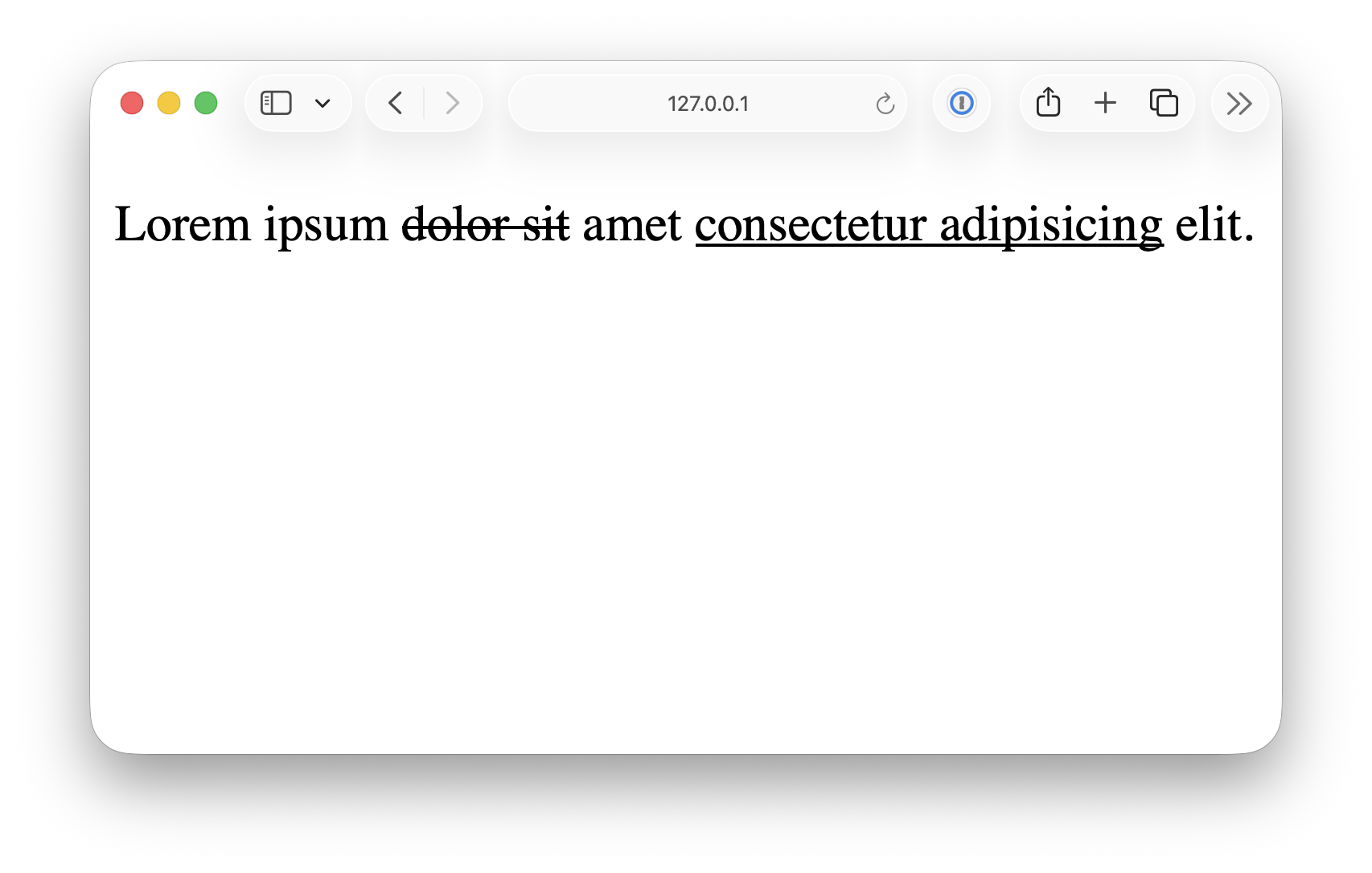
- Subscript & superscript:
<sub>and<sup>
<p>
  Lorem ipsum <sub>dolor sit</sub> amet <sup>consectetur adipisicing</sup> elit.
</p>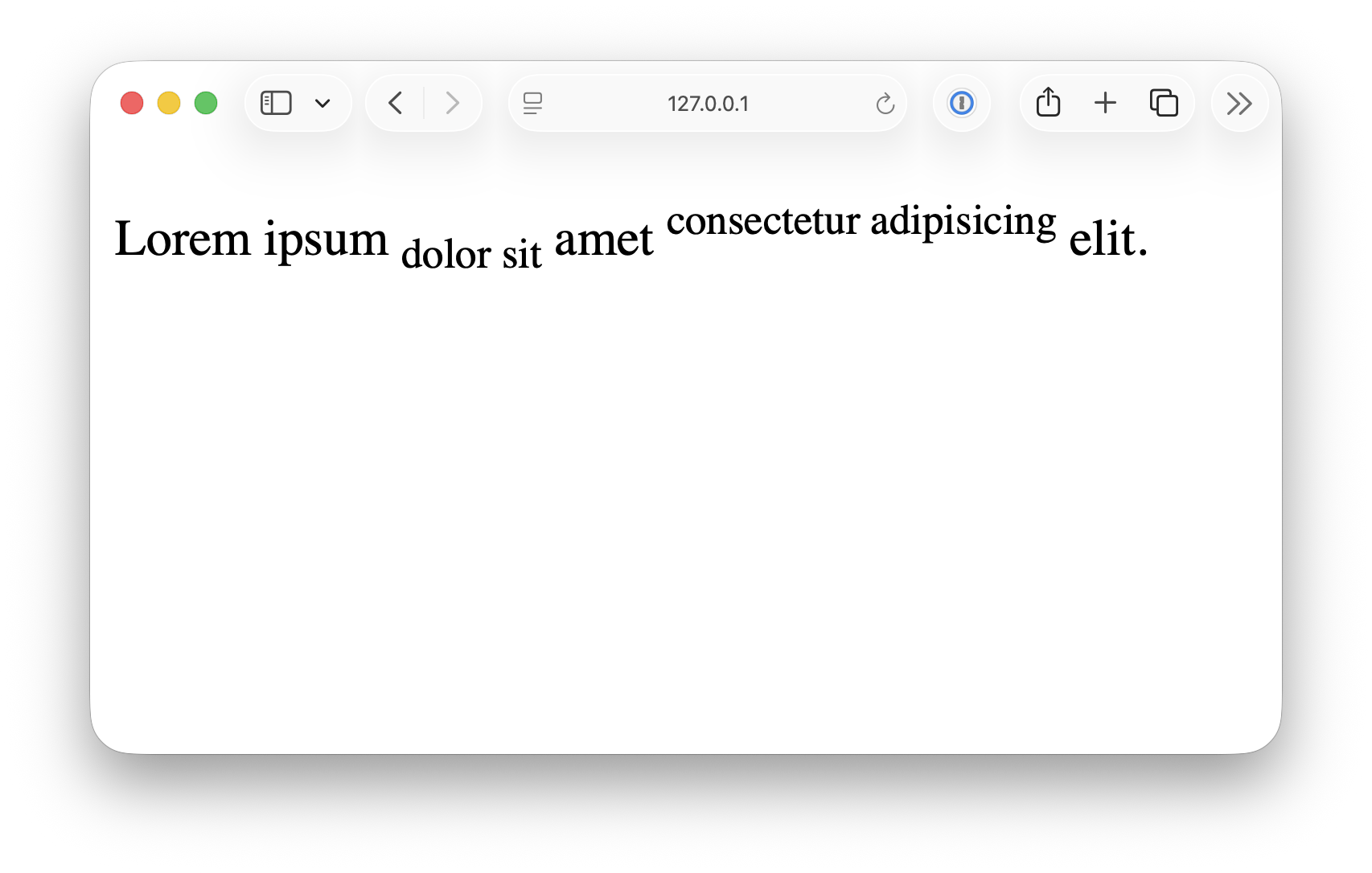
<!DOCTYPE html> <html lang="en"> <head> <meta charset="UTF-8"> <meta name="viewport" content="width=device-width, initial-scale=1.0"> <title>Document</title> <link rel="stylesheet" href="/styles.css"> </head> <body> <header> <h1>HTML Elements Demo Page</h1> <p> This page demonstrates core text, formatting, and layout elements in HTML. </p> </header> <nav> <a href="#">Home</a> <a href="#">Docs</a> <a href="#">About</a> </nav> <main> <section> <h2>Text Content Elements</h2> <h1>Heading 1</h1> <h2>Heading 2</h2> <h3>Heading 3</h3> <h4>Heading 4</h4> <h5>Heading 5</h5> <h6>Heading 6</h6> <p> This is a paragraph. It contains <a href="#">a link</a> and explains basic text structure. </p> <ul> <li>Unordered list item 1</li> <li>Unordered list item 2</li> </ul> <ol> <li>Ordered list item 1</li> <li>Ordered list item 2</li> </ol> <dl> <dt>HTML</dt> <dd>HyperText Markup Language</dd> <dt>CSS</dt> <dd>Cascading Style Sheets</dd> </dl> <blockquote cite="https://example.com"> “This is a blockquote element used to quote external sources.” </blockquote> <p> <abbr title="HyperText Markup Language">HTML</abbr> is used to structure content. </p> <p><cite>– The Web Book</cite></p> </section> <section> <h2>Text Formatting Elements</h2> <p><strong>Strong</strong> text is used for emphasis.</p> <p><em>Emphasized</em> text is italicized.</p> <p><b>Bold</b> and <i>Italic</i> without semantic meaning.</p> <p>This is <mark>highlighted</mark> text.</p> <p>Use <code><code></code> for inline code.</p> <pre><code>const hello = "world";</code></pre> <p> Text can be <small>small</small> or <del>deleted</del> or <ins>inserted</ins>. </p> <p>H<sub>2</sub>O (subscript), and E = mc<sup>2</sup> (superscript)</p> <p><kbd>Ctrl + C</kbd> for copy</p> </section> <section> <h2>Layout Elements</h2> <article> <h3>Article Title</h3> <p> This is an <code><article></code> element, useful for self-contained content. </p> </article> <aside> <h4>Aside Section</h4> <p> This is an <code><aside></code>, often used for side content or tips. </p> </aside> <section> <h4>Nested Section</h4> <p> This is a nested <code><section></code> inside another section. </p> </section> <div> <p> This content is wrapped in a <code><div></code>, a generic block container. </p> </div> <details> <summary>Lorem ipsum dolor sit amet consectetur adipisicing elit</summary> Lorem ipsum dolor sit amet consectetur. . . </details> </section> </main> <footer> <p>© 2025 XXXX Corp. Built with ❤️ using HTML.</p> </footer> </body> </html>