How to Use Third-Party Fonts in Your Webpage
Text is one of the most important elements on a webpage, as the majority of information on the webpage is expressed through written content.
As a result, making text both readable and visually appealing is a key aspect of modern web design.
Using the right font when creating a webpage can significantly impact the user experience. Different fonts can create visual hierarchy, establish your unique branding, and also improve aesthetics and readability.
We generally classify fonts into different categories based on their styles. The most common ones are:
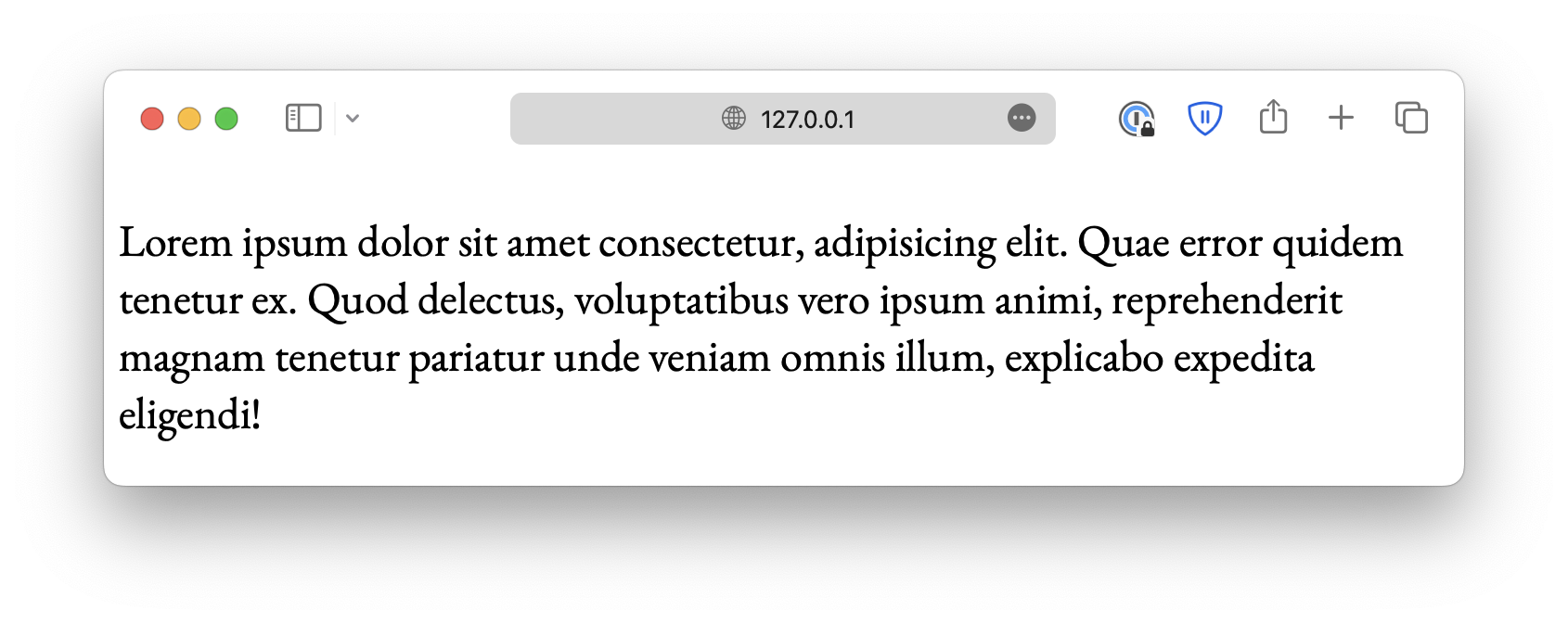
Serif fonts
Fonts with small decorative lines (serifs) attached to the ends of each letter. Some common examples include Times New Roman, Georgia, and Garamond.
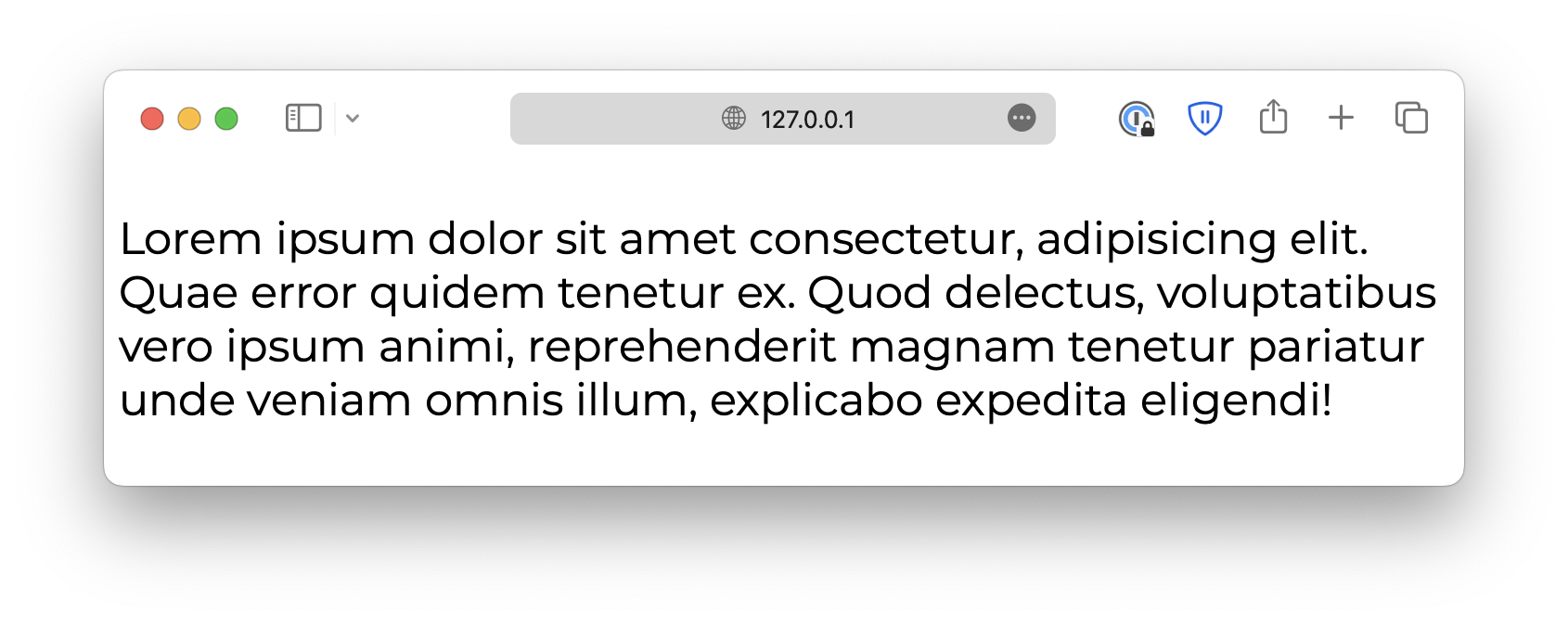
Sans-serif fonts
These fonts do not have serifs. Some examples are Arial, Helvetica, and Calibri.
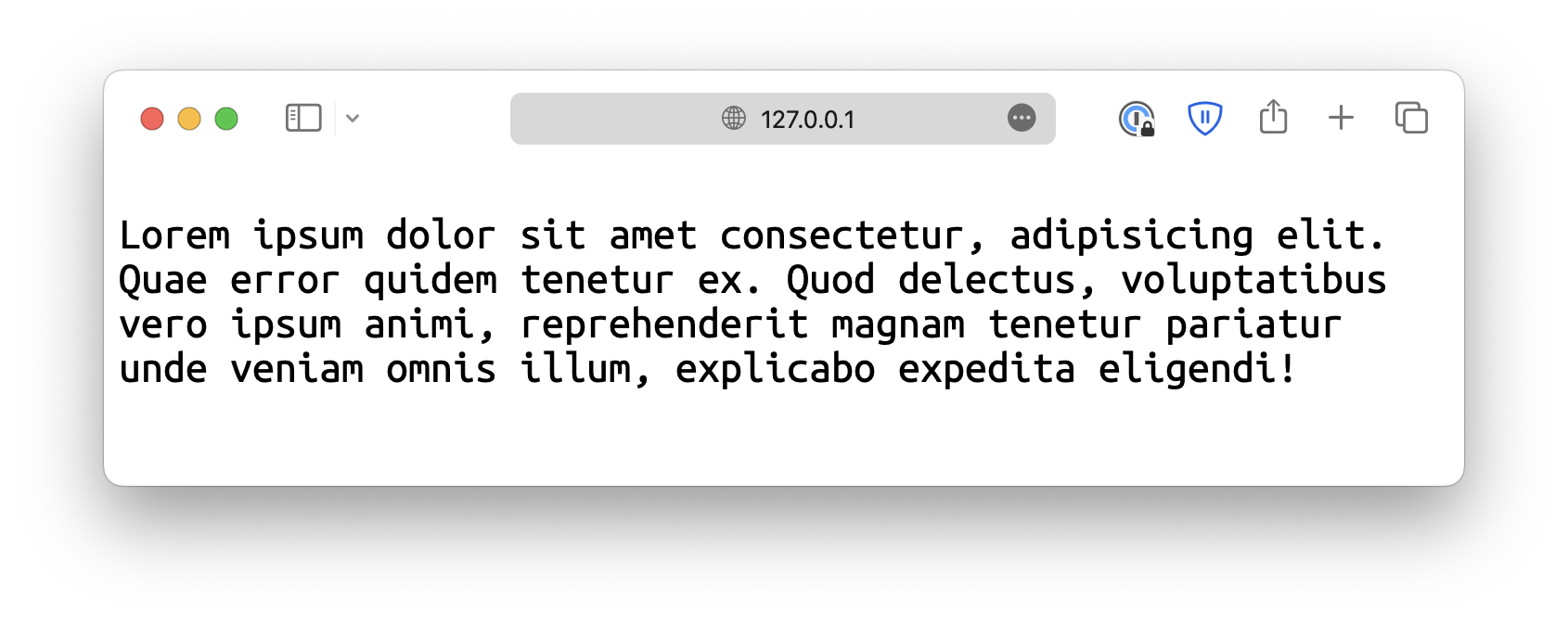
Monospace fonts
These fonts have all characters with the same width. Commonly used in coding environments. Some examples include Courier New, Lucida Console, and more.
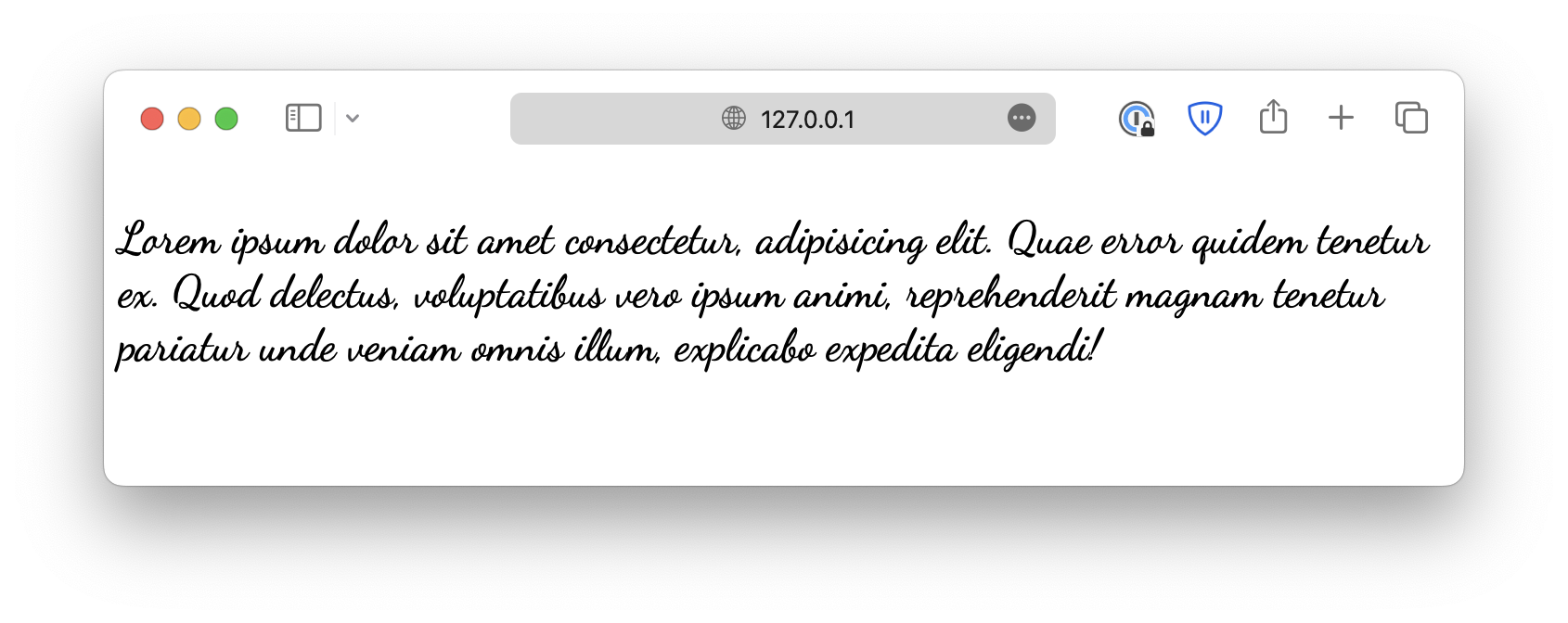
Handwritten fonts/cursive fonts
Fonts that mimic handwriting, such as Comic Sans MS.
Display fonts
These are attention-grabbing fonts often used for headings, titles, or logos. Examples include Impact, Lobster, and Bebas Neue. Also called fantasy fonts.
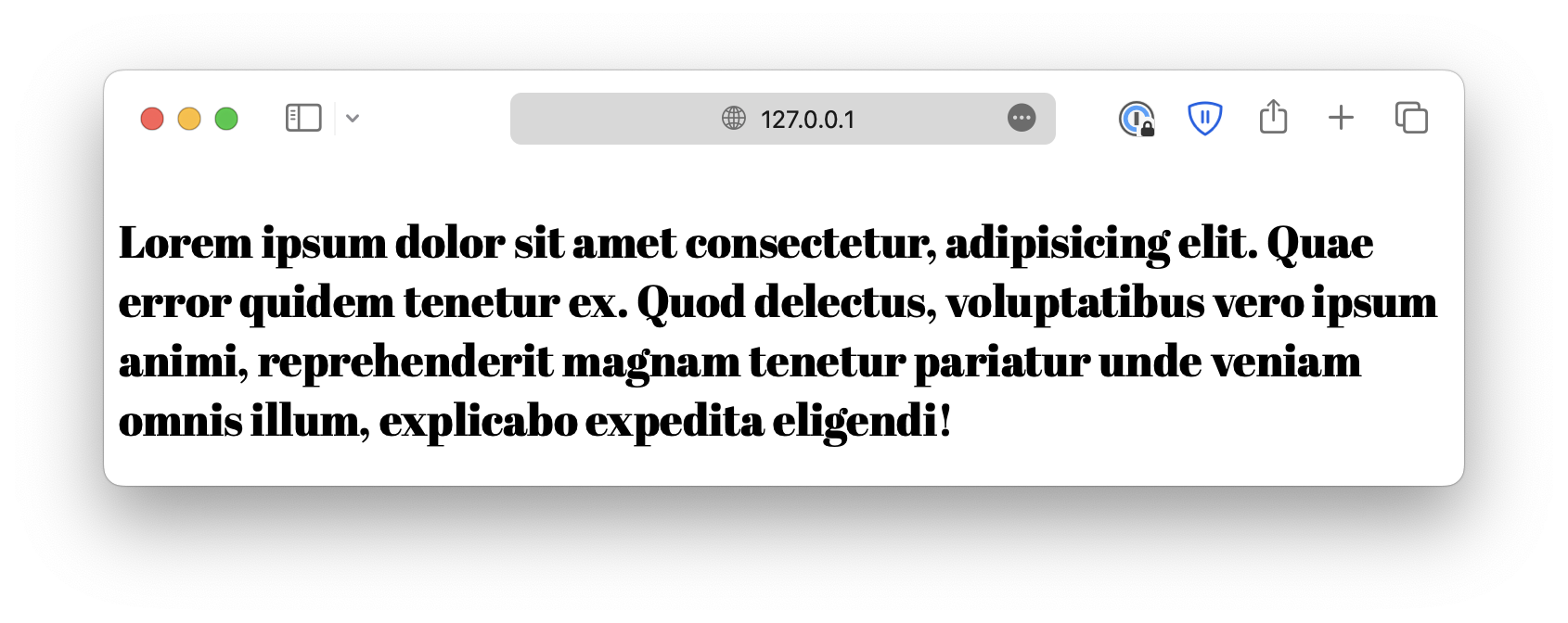
Font family
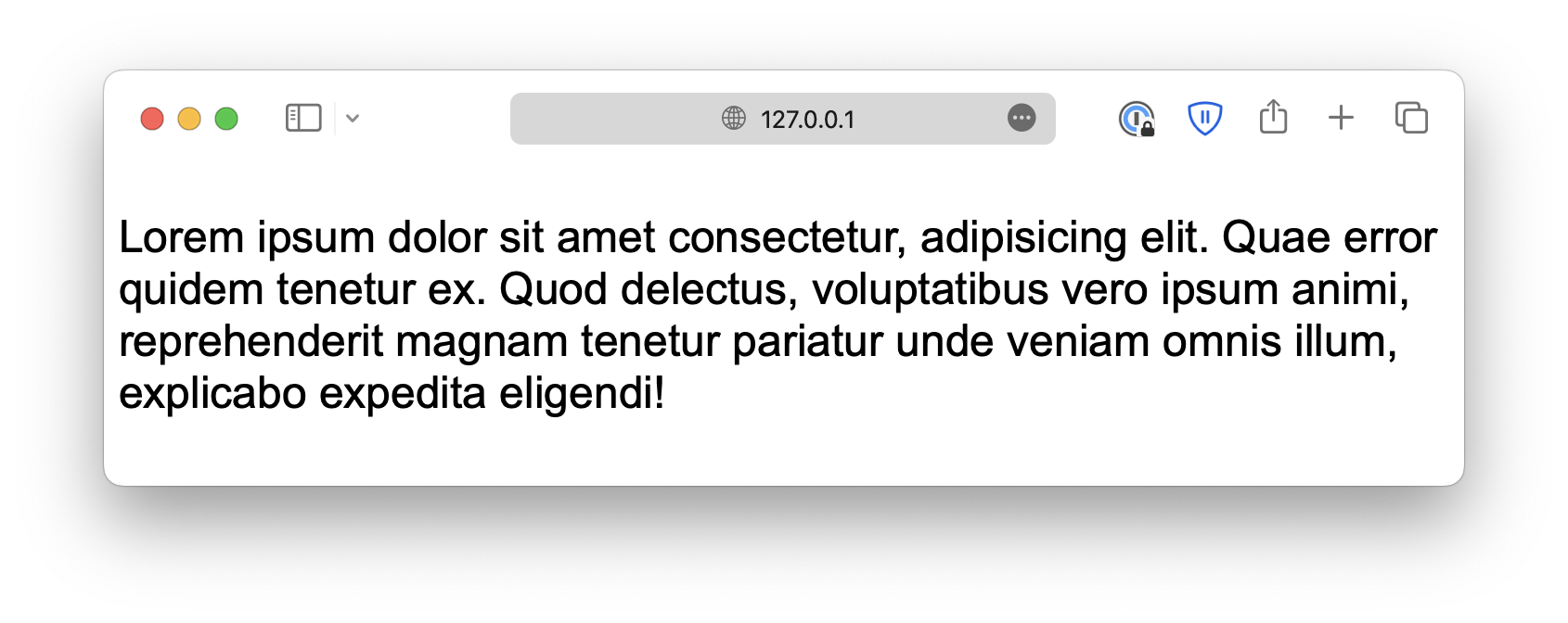
You can use font-family to specify what font to use. For example:
index.html
<p>Lorem ipsum dolor . . .</p>style.css
p {
  font-family: Arial;
}
This example sets Arial as the font for all <p> elements, which is a widely used sans-serif font available on almost all platforms.
Google fonts
You can also download external fonts using tools such as Google Fonts and embed them in your webpage. For example:
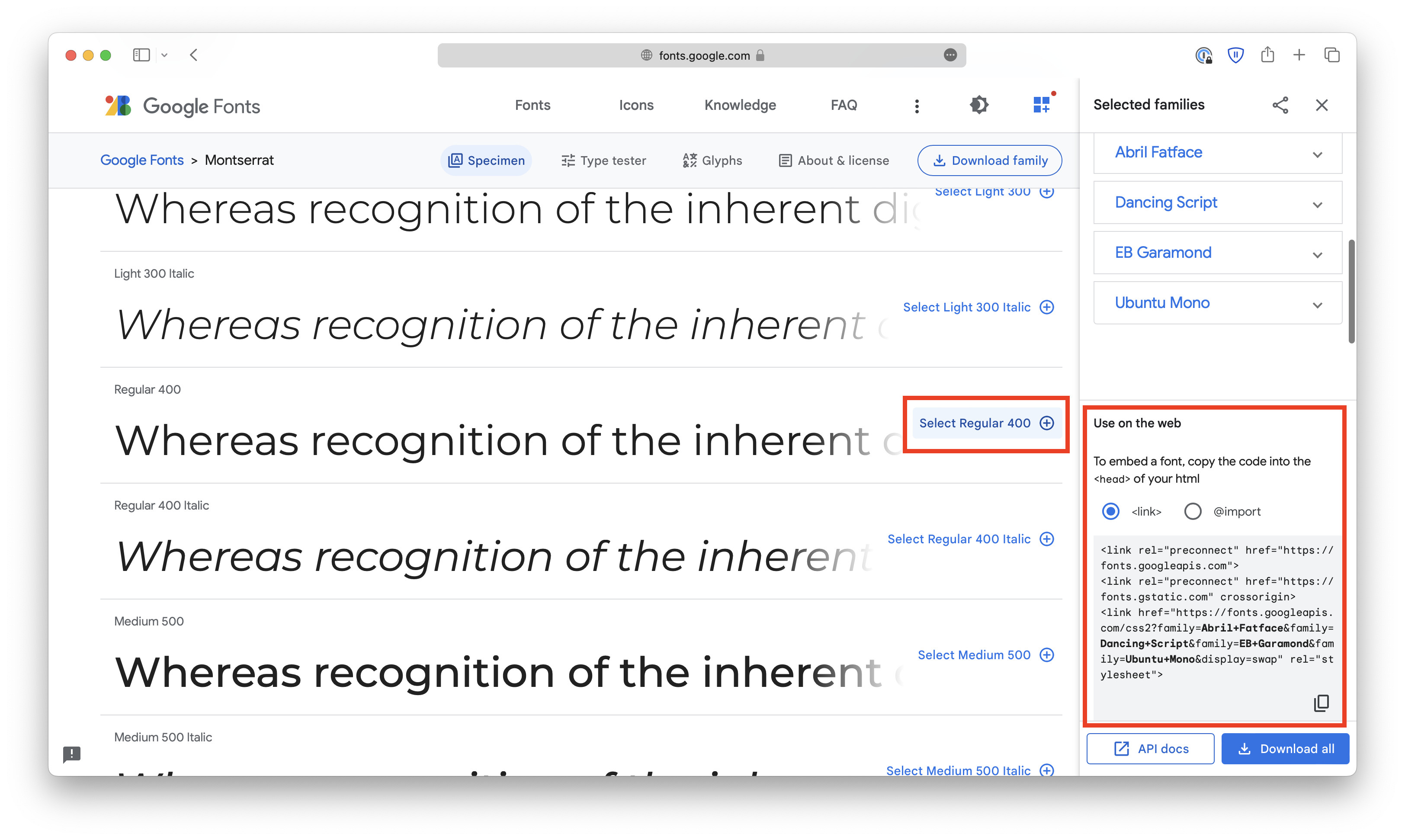
To use the selected fonts, copy the <link> elements into the <head> section of index.html.
index.html
<!doctype html>
<html lang="en">
  <head>
    <meta charset="UTF-8" />
    <meta name="viewport" content="width=device-width, initial-scale=1.0" />
    <title>Document</title>

    <link rel="stylesheet" href="style.css
Or copy the @import code to the beginning of style.css.
style.css
@import url("https://fonts.googleapis.com/css2?family=Abril+Fatface&family=Dancing+Script&family=EB+Garamond&family=Montserrat&family=Ubuntu+Mono&display=swap");

p {
  /* . . . */
}
Then, you can use them like regular fonts. If the font name consists of multiple words, it must be wrapped in matching quotes.
p {
  font-family: "EB Garamond";
}
Fallback fonts
If, for some reason, the browser cannot load the specified font, it will fall back to the default option. That could be problematic because the default fonts might break your original design.
Instead, it is best to have a fallback system so that, even if your first option is unavailable, the browser will fall back to its closest relative.
You can create a fallback system by specifying multiple fonts with the font-family property, separated with commas:
p {
  font-family: "EB Garamond", Cambria, Cochin, Georgia, Times,
    "Times New Roman", serif;
}
The system should start with the font you like and end with common fonts that are available on most platforms (such as Times New Roman), as well as a generic font family.
<!DOCTYPE html>
<html lang="en">

<head>
  <meta charset="UTF-8">
  <meta name="viewport" content="width=device-width, initial-scale=1.0">
  <title>Document</title>

  <link rel="stylesheet" href="/styles.css">
  <link
  href="https://fonts.googleapis.com/css2?family=Abril+Fatface&family=Dancing+Script&family=EB+Garamond&family=Montserrat&family=Ubuntu+Mono&display=swap"
  rel="stylesheet" />
</head>

<body>
  <p>Hello, World!</p>
</body>

</html>