Numbers and BigInt in JavaScript
How to create a number
As we've discussed before, JavaScript allows you to create integers and fractional numbers like this:
100; // integer
12.09; // factional number
Or, you can use the scientific notation:
3.14e5; // -> 314000
3.14e-5; // -> 0.0000314
Besides the standard decimal format, JavaScript also allows you to create binary, hex, and octal numbers.
let dec = 255;
let bin = 0b11111111; // The prefix 0b creates a binary number
let oct = 0o377; // The prefix 0o creates a octal number
let hex = 0xff; // The prefix 0x creates a hexadecimal number

console.log(dec == oct); // -> true
console.log(dec == bin); // -> true
console.log(dec == hex); // -> true
These are four different ways you can create the number 255, and they are all the same in JavaScript.
Number encoding
No matter what format you use, after compilation, these numbers will be converted into their binary format, which is a series of 1s and 0s that can be processed by computers.
For example, the decimal number 5 will be converted into binary number 101.
That being said, this course will not go into the details of number encoding in JavaScript.
For now, you only need to know that JavaScript numbers are 64-bit double-precision floating-point numbers, which is represented just like the scientific notation we are all too familiar with, but in binary form.
JavaScript uses 52 bits to represent the fraction, 11 bits for the exponent, and 1 bit for the sign, either positive (1) or negative (0).
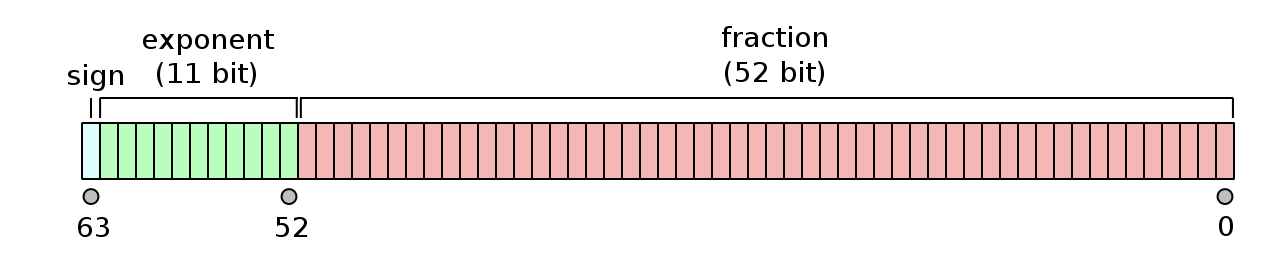
This method of number encoding does lead to some problems.
In JavaScript, operations involving fractional numbers are often inaccurate. For instance, we all know 0.1 plus 0.2 equals 0.3, but when you perform that calculation using JavaScript, it gives 0.30000000000000004.
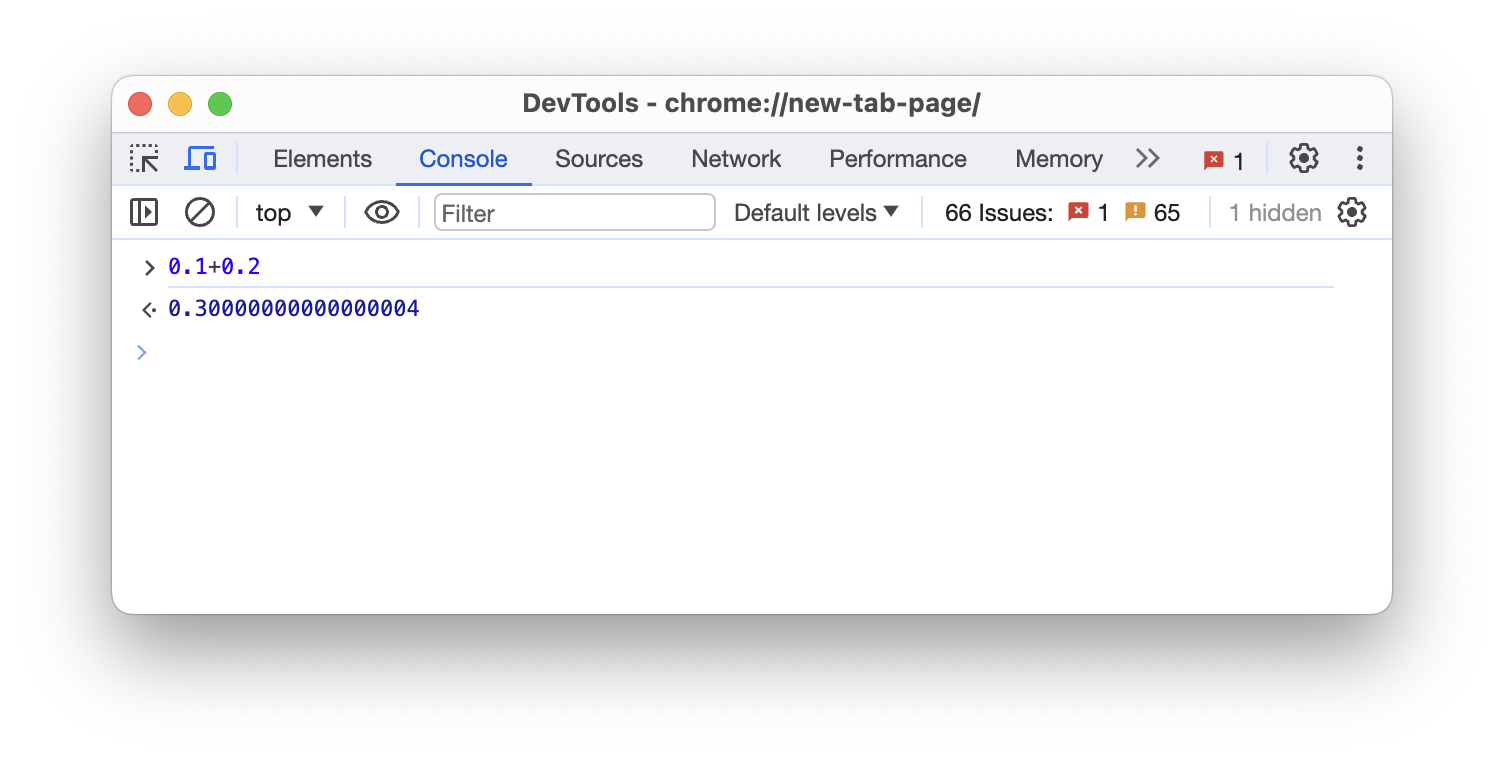
This is due to how fractional numbers are encoded.
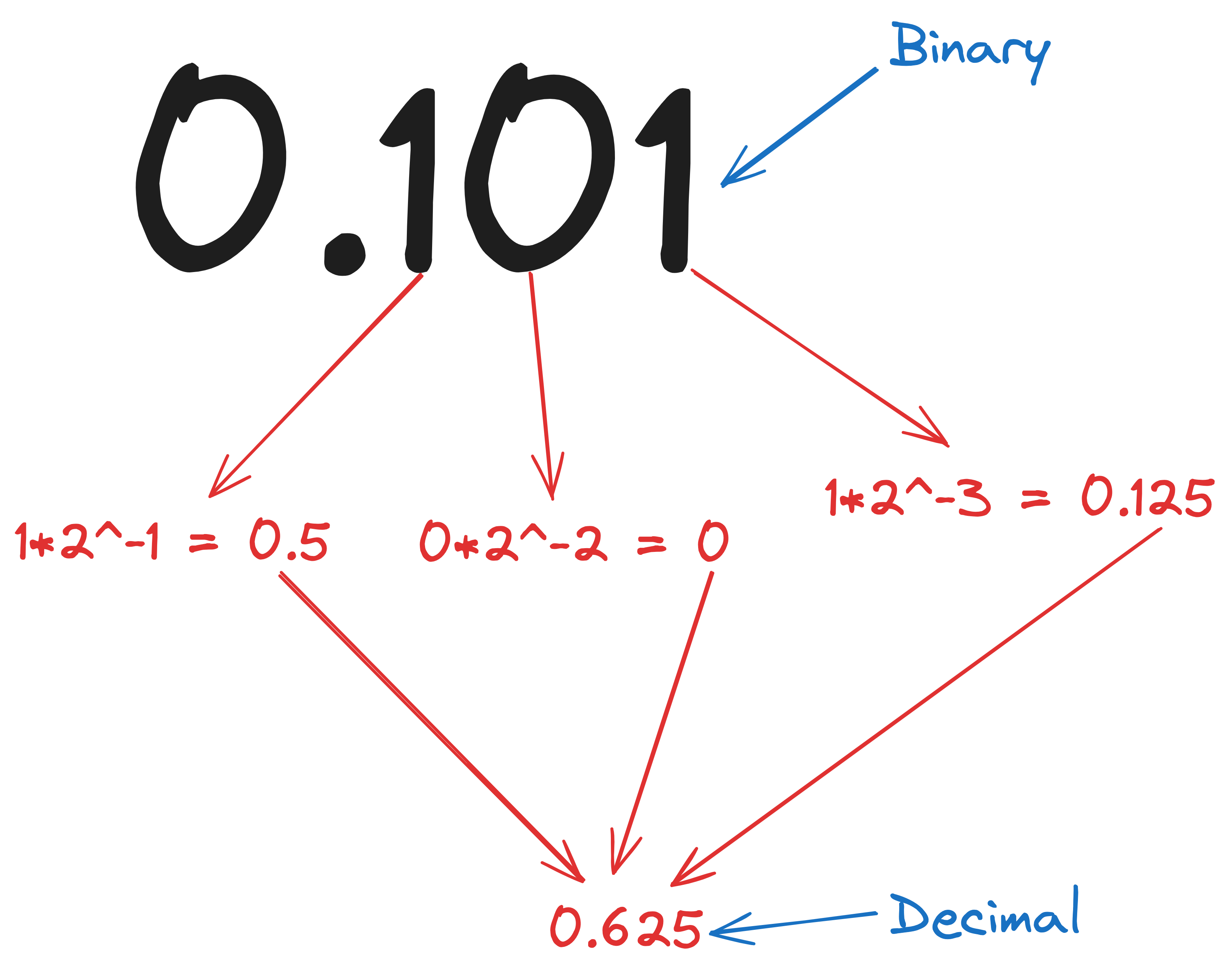
So, the binary number 0.101 represents the decimal number 0.625.
We will not bore you with too many mathematical details here. You only need to know that most fractional numbers, when converted into binary form, will have an infinite number of digits.
And since JavaScript uses limited bits to represent a number, it will have to be rounded. That's what is causing the inaccuracies.
In practice, this is not going to be too much of a problem because most tasks don't require extremely high precision.
However, if you do run into such situations where the inaccuracy of fractional calculations are causing problems, consider multiplying the numbers to convert them into integers, and then divide.
(0.1 * 10 + 0.2 * 10) / 10; // -> 0.3What is a BigInt
On the other hand, when working with integers, JavaScript is guaranteed to be accurate as long as you are working within its maximum range, which is about nine quadrillion.
However, once you exceed JavaScript's capabilities, the numbers will not be represented precisely.
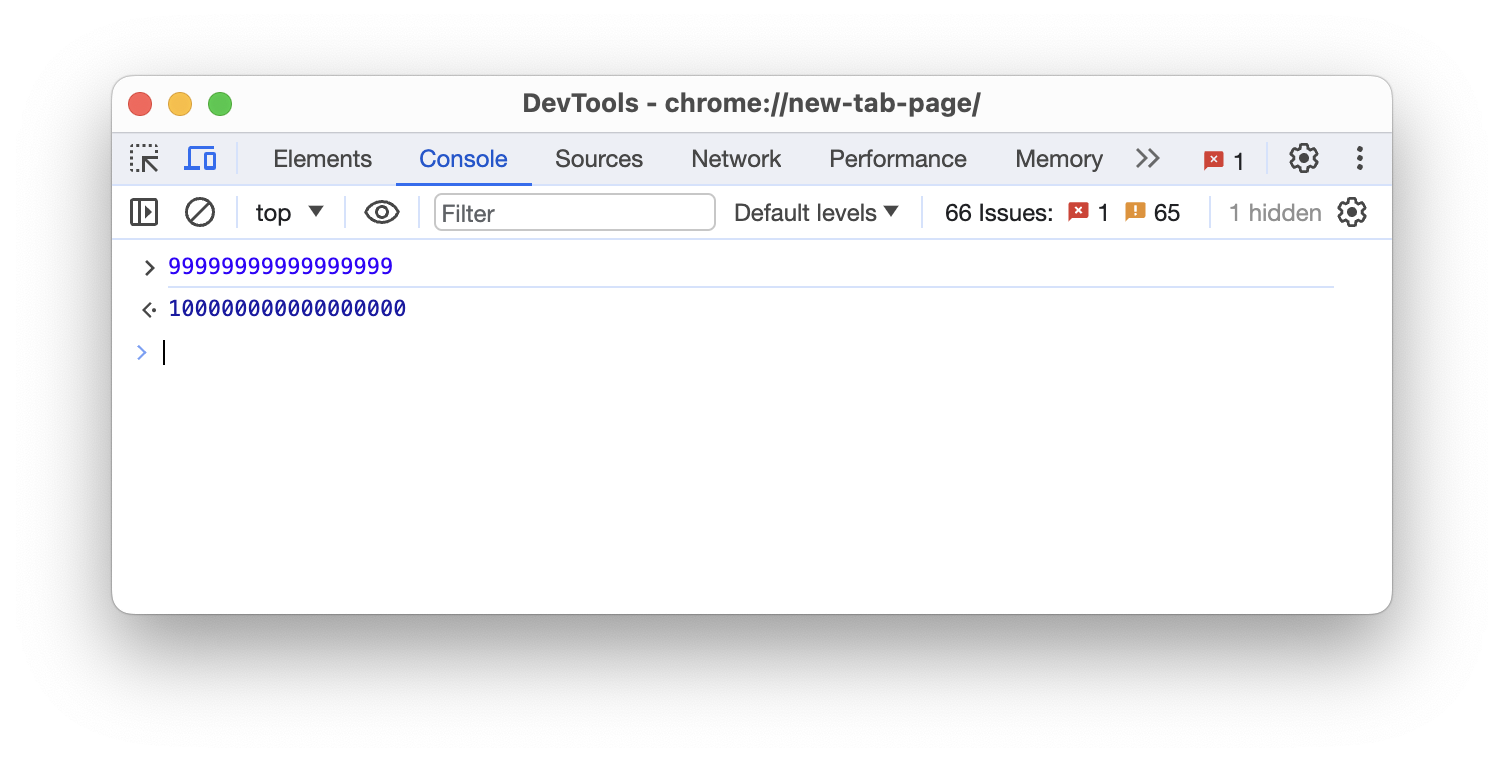
Although unlikely, but if you really need to work with integers larger than nine quadrillion, append the letter n to the end of the integer.
99999999999999999n;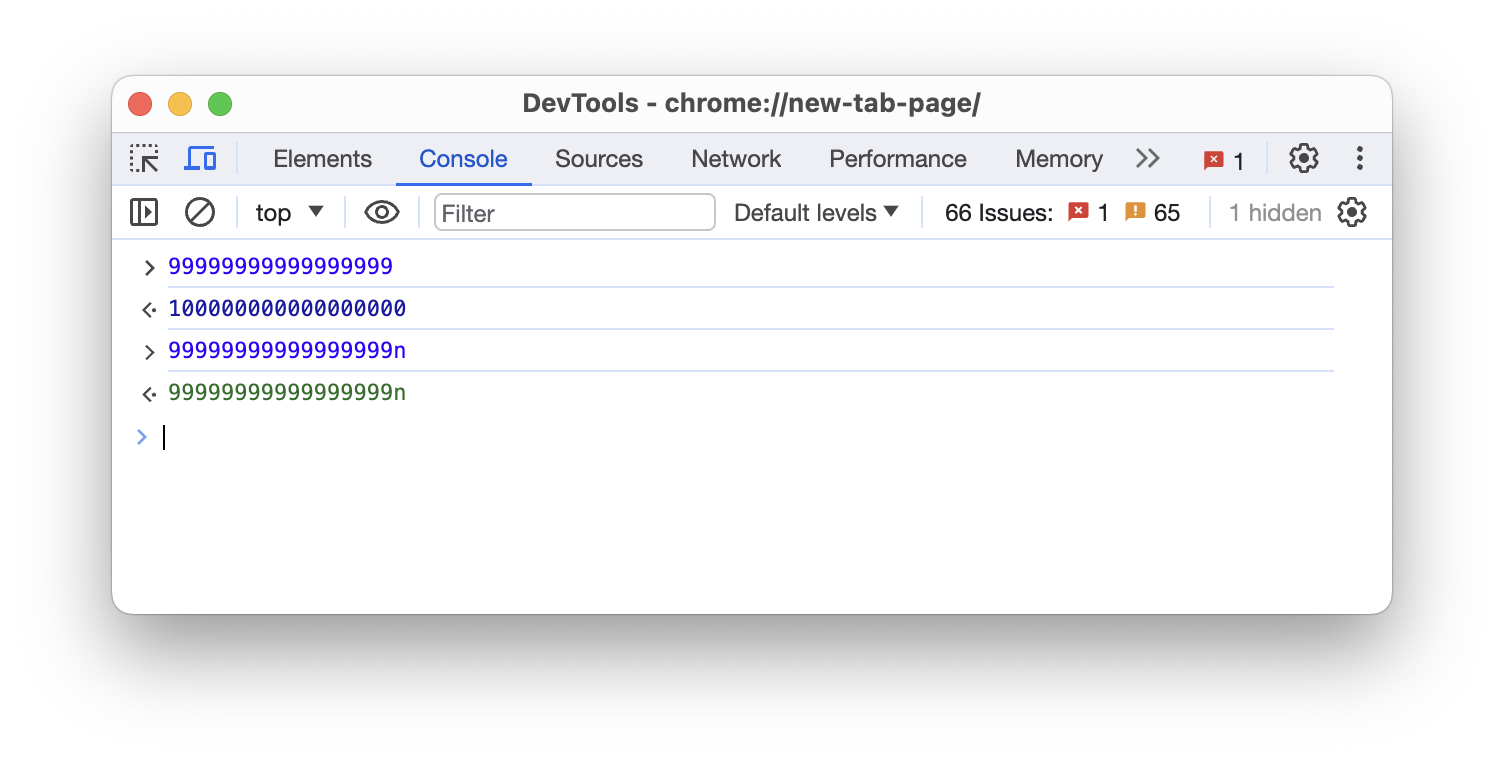
This is called a BigInt. A numeric data type similar to numbers, but it allows you to work with integers larger than nine quadrillion.
But note that BigInt can only encode integers, not fractional numbers.
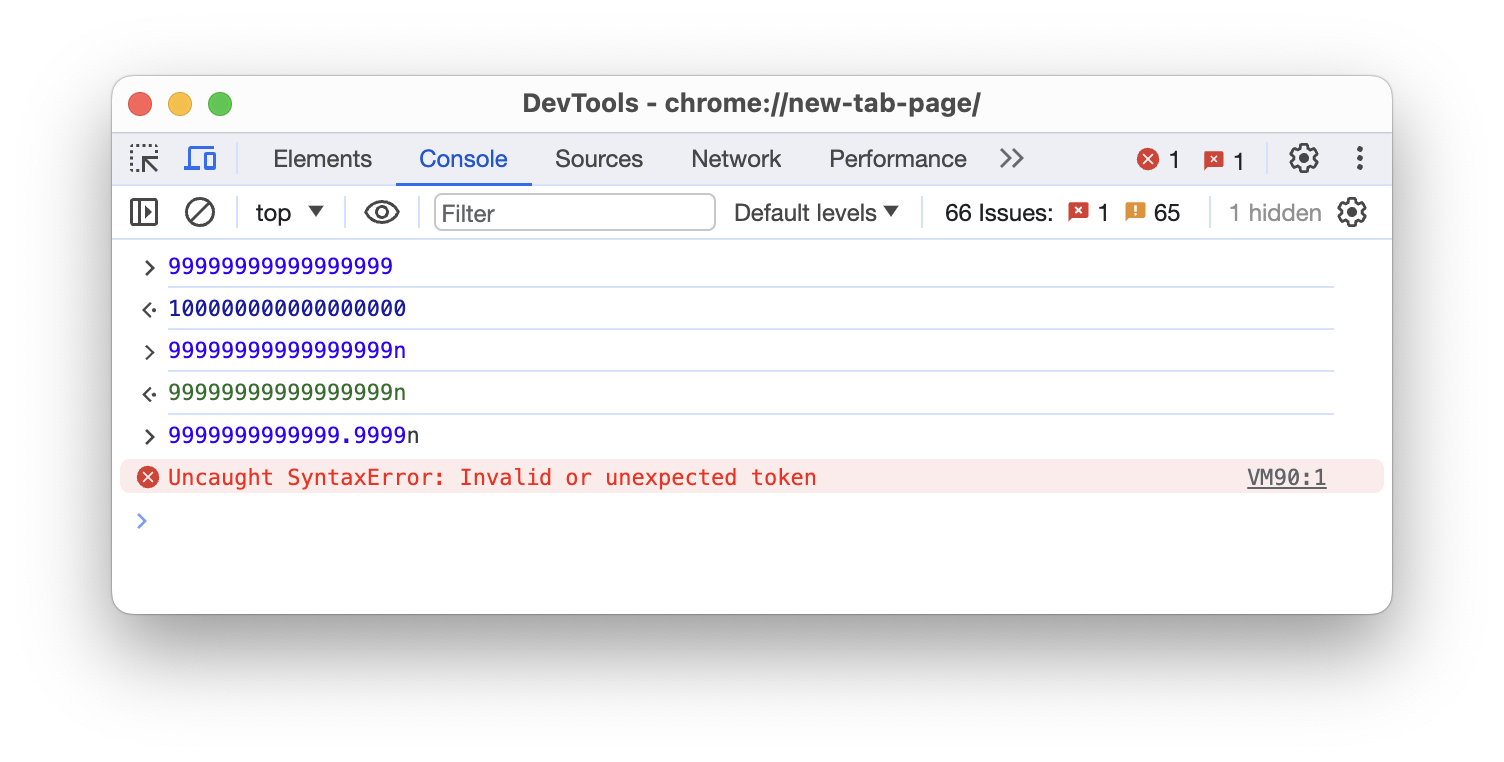
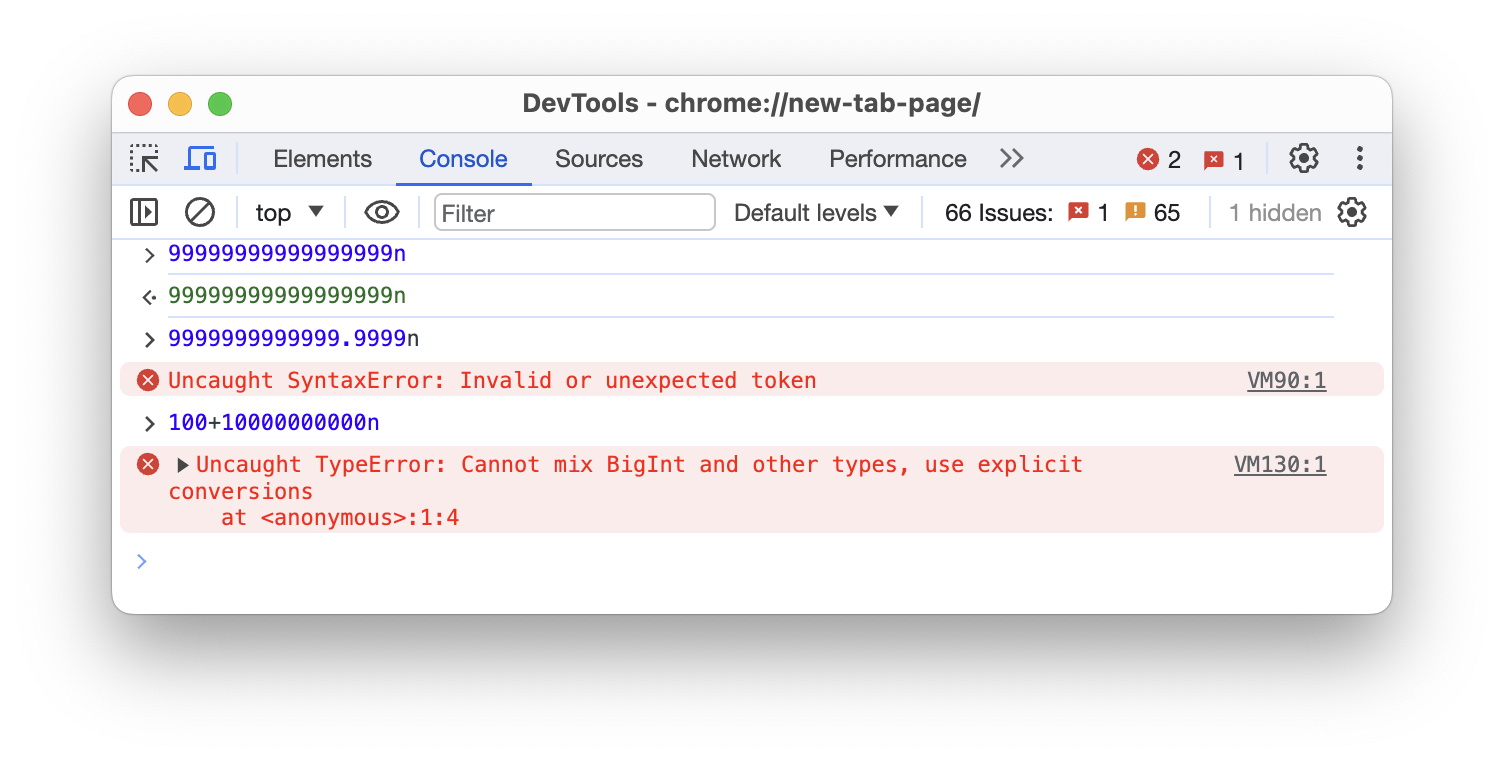
And the arithmetic operations between a number and a BigInt are forbidden.
Arithmetic operations
You can perform arithmetic operations with numbers in JavaScript.
3 + 5 * 2;As you would have expected, multiplication and division happen before addition and subtraction. You can change the order of calculation using parentheses.
(3 + 5) * 2;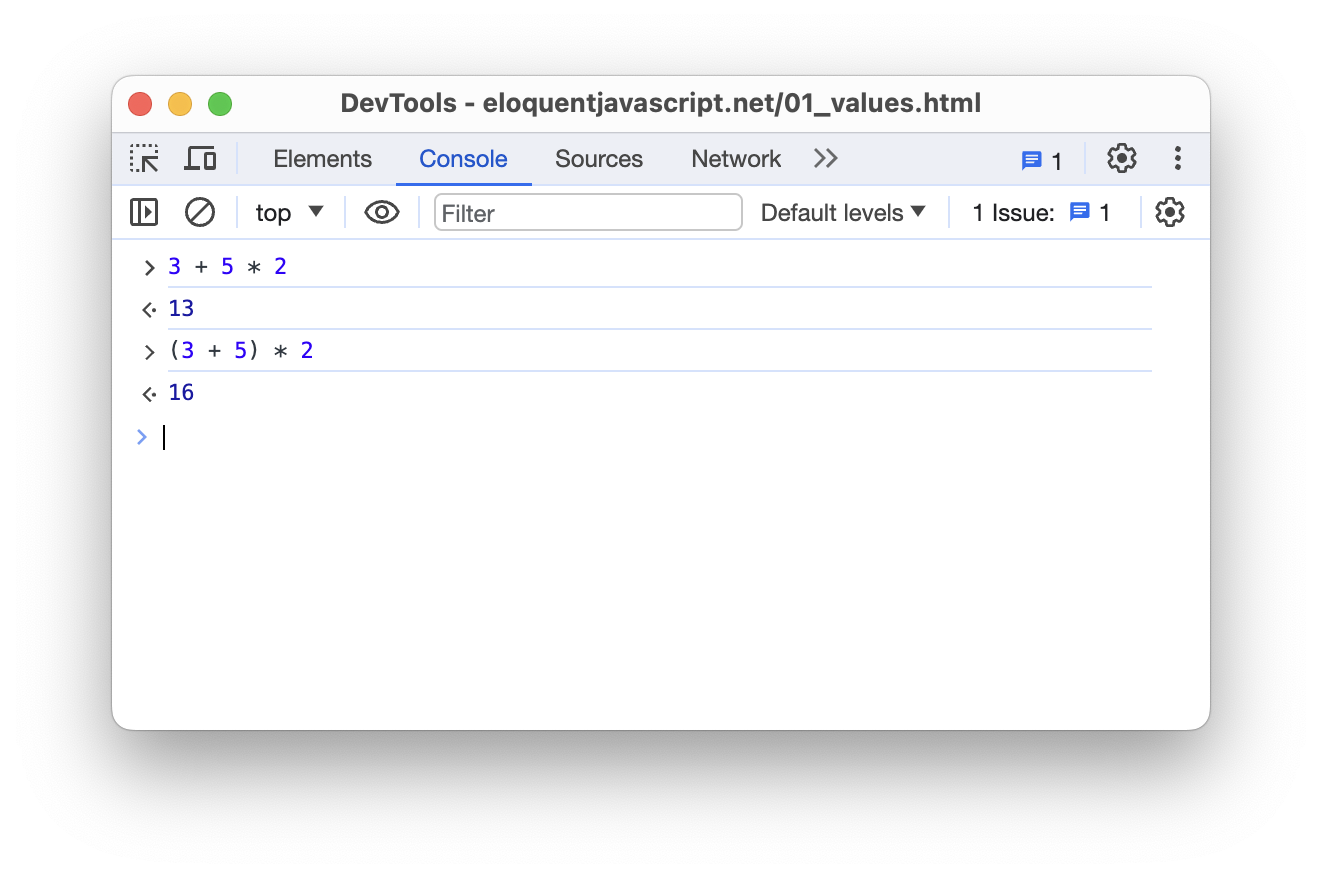
Of course, there is also exponential, which is denoted by **.
2 ** 3; // -> 8
5 ** 2; // -> 25
Any number raised to the exponent of 0 equals 1.
2 ** 0; // -> 1
5 ** 0; // -> 1
Everything works exactly the same as what you studied in school. However, there is one operation you might not recognize, which is the modulo (%) operation.
It gives the remainder after dividing two numbers. For example:
25 % 5; // -> 0

25 % 10; // -> 5

25 % 15; // -> 10
In this case, 25 divided by 5 equals 5, with no remainder, so 25 % 5 equals 0.
On the other hand, 25 divided by 10 equals 2, with 5 remaining, so 25 % 10 equals 5.
Special numbers
Besides the integers and fractional numbers, there are also two special numbers in JavaScript.
The first one we must cover is NaN, which stands for "Not a Number". It has some very interesting characteristics, both as a programming concept and a mathematical concept.
First of all, "Not a Number" is a number. Strange, right? But you can verify this using the typeof operator.
typeof NaN;number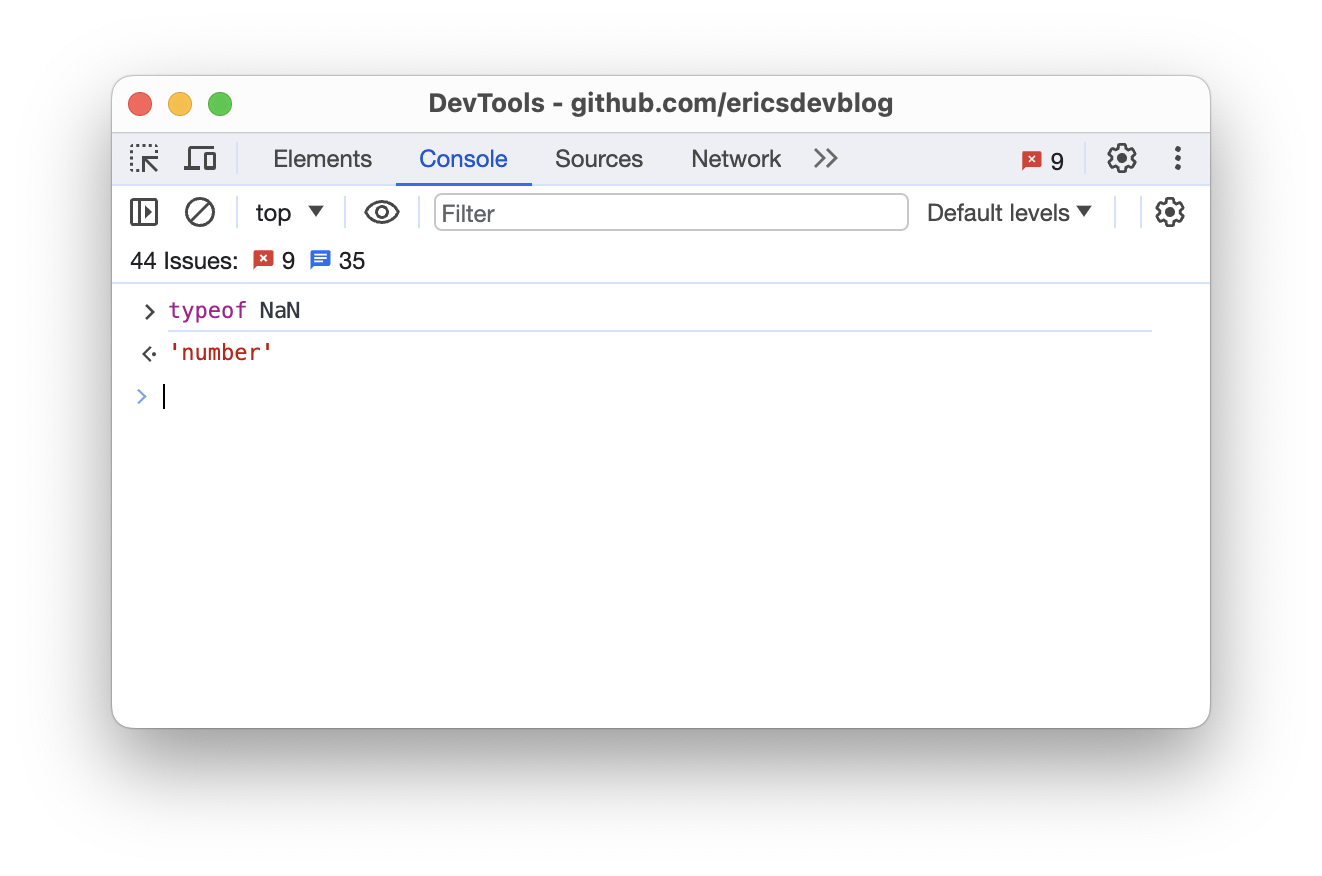
NaN is used when an arithmetic operation that should give a number returns something that is not a number, or something that doesn't make sense.
For instance, let's try to perform an arithmetic calculation on undefined, and it should give NaN.
console.log(undefined + undefined);NaN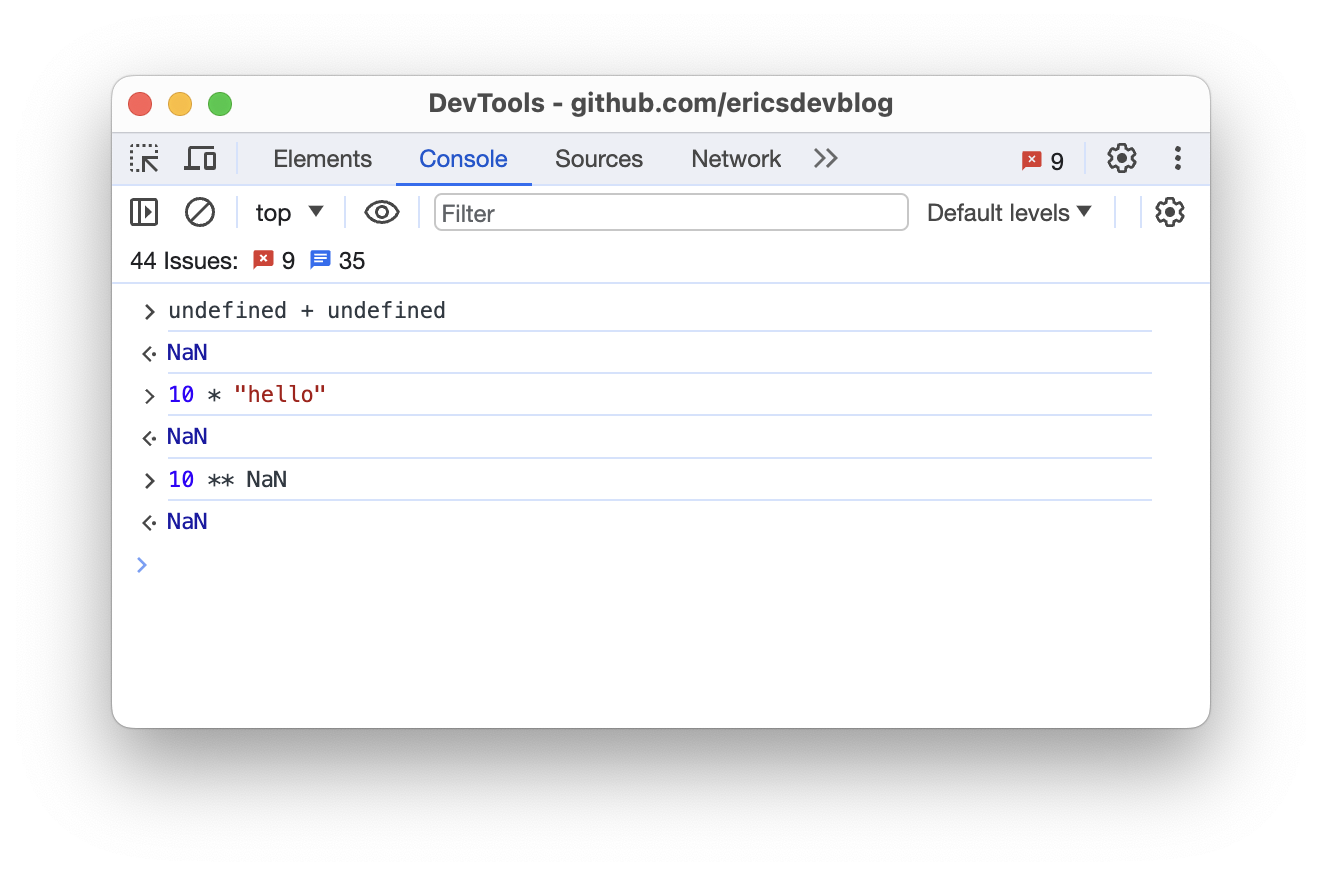
NaN is also the only value in JavaScript that does not equal itself.
NaN == NaN; // -> false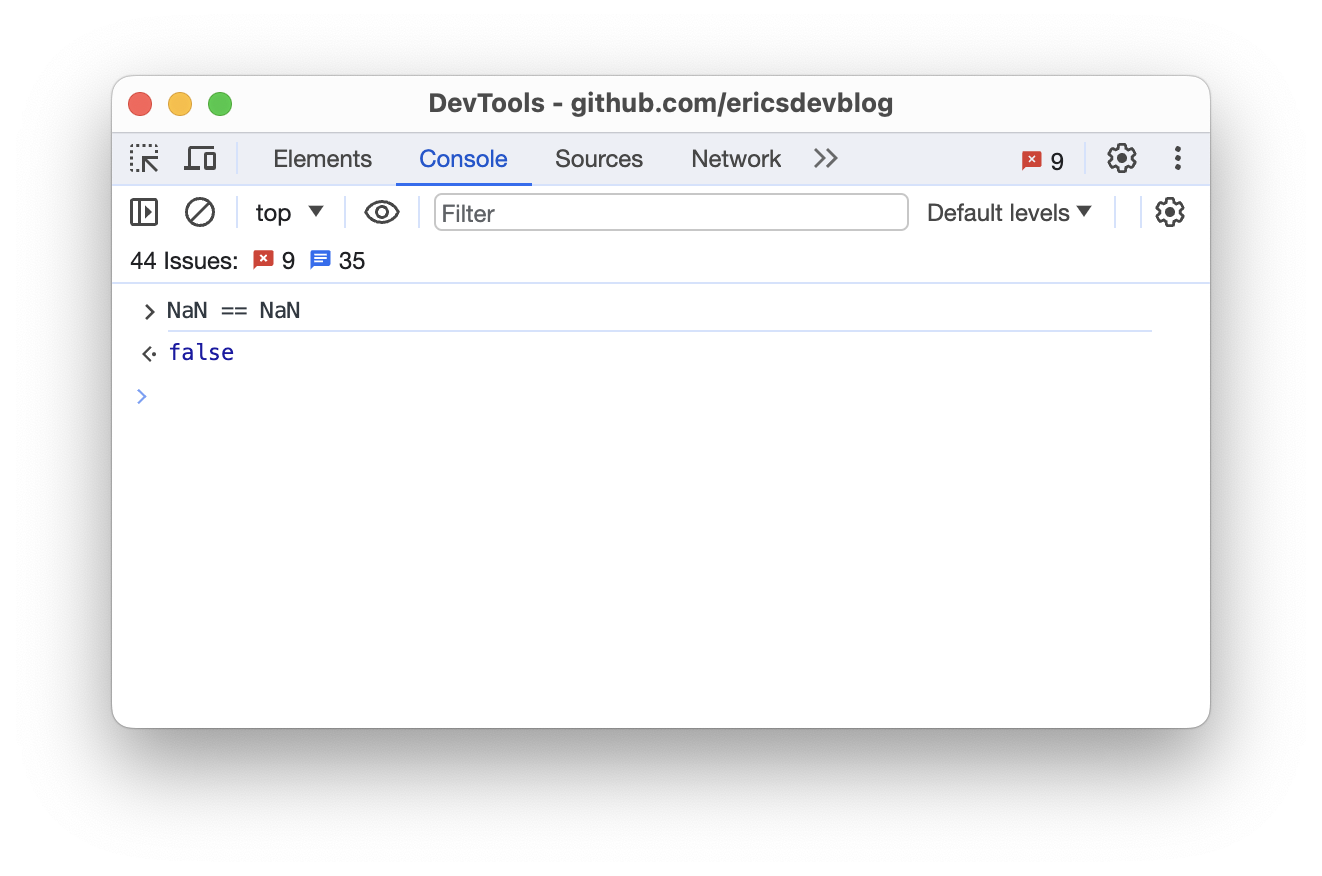
Infinity is another special numeric value in JavaScript.
It behaves just like the mathematical definition of the infinity (∞), except when the arithmetic operation generates a value that exceeds JavaScript's capabilities, the operation will also give Infinity.
10 ** 1000;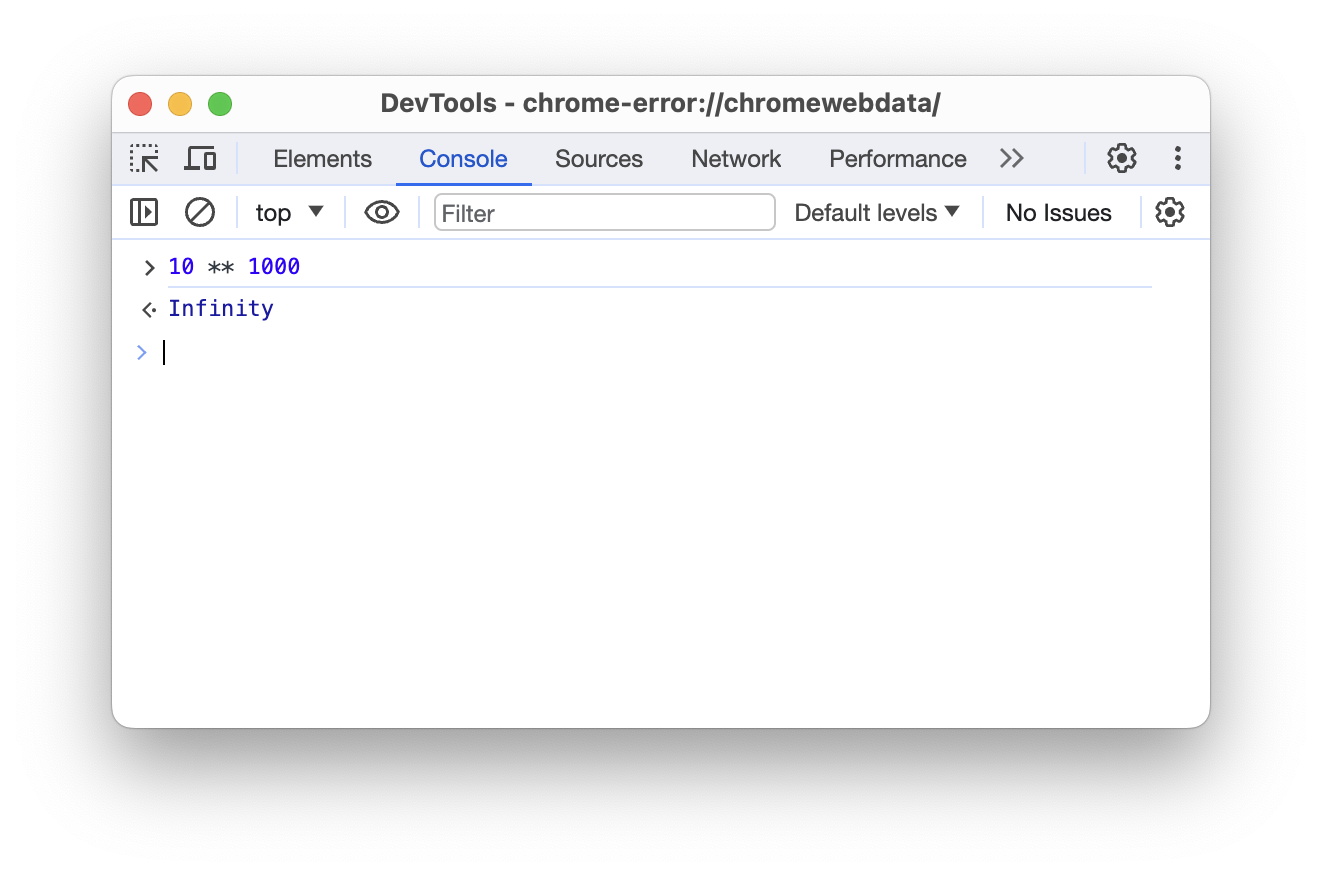
Mathematically, this should give you a number, but as we've discussed before, JavaScript can only represent 2^64 numbers, and this result exceeds that range.
Comparisons
Besides the arithmetic calculations, you can also perform comparison operations on numbers. Commonly used operators include:
>: greater than<: less than>=: greater than or equal to<=: less than or equal to==: equal!=: not equal
The result of a comparison would be a Boolean value, either true or false.
console.log(1 > 2);
console.log(1 < 2);
console.log(1 >= 1);
console.log(1 <= 2);
console.log(1 == 1);
console.log(1 != 1);false
true
true
true
true
falseNumber methods
Number methods are helper functions associated with the number type. They allow you to manipulate the numeric data without altering the original value.
Here are some of the most commonly used examples:
toString()
The toString() method is used to convert a number into a string.
let x = 123;

console.log(x.toString()); // -> 123
console.log(typeof x.toString()); // -> string
toExponential()
toExponential() returns a string, representing the number in scientific notation.
let x = 123;

console.log(x.toExponential()); // -> 1.23e+2
console.log(typeof x.toExponential()); // -> string
toFixed()
toFixed() returns a string representing the number rounded to the specified number of decimals.
let x = 123.12345;

console.log(x.toFixed(0)); // -> 123
console.log(x.toFixed(2)); // -> 123.12
console.log(x.toFixed(4)); // -> 123.1235
console.log(x.toFixed(6)); // -> 123.123450

console.log(typeof x.toFixed(2)); // -> string
toPrecision()
toPrecision() returns a string representing the number rounded to the specified number of digits.
let x = 123.12345;

console.log(x.toPrecision(2)); // -> 1.2e+2
console.log(x.toPrecision(4)); // -> 123.1
console.log(x.toPrecision(6)); // -> 123.123

console.log(typeof x.toPrecision(2)); // -> stringconsole.log(100); console.log(12.09);