Introducing React.js
A JavaScript framework is a pre-written collection of libraries that provide developers with a foundation for building applications.
These frameworks offer reusable components, tools, and a structured way to organize your project, making it easier to develop and maintain complex applications.
Why do you need a JavaScript framework
Using a JavaScript framework can significantly accelerate the development cycle.
For instance, you are building a counter that counts how many times a button has been clicked, how would you approach this problem?
To do this using plain JavaScript, you must have a decent understanding of the DOM and how to manipulate it, which means your code probably looks like this:
let count = 0;

const counterDiv = document.createElement("div");
const p = document.createElement("p");
const button = document.createElement("button");

p.textContent = `You clicked ${count} times`;
button.textContent = "Click me";

button.addEventListener("click", () => {
  count += 1;
  p.textContent = `You clicked ${count} times`;
});

counterDiv.appendChild(p);
counterDiv.appendChild(button);
document.body.appendChild(counterDiv);
This example involves a lot of DOM handling methods and properties such as createElement(), appendChild(), and textContent.
These methods are not easy to grasp and it is difficult to visualize in your head how the user interface should look like while micromanaging each DOM node.
This is why React.js was created. It allows you to describe how the UI should look like, and React handles what to do at each DOM node.
With React.js, your counter will look like this:
import React, { useState } from "react";

function Counter() {
  const [count, setCount] = useState(0);

  return (
    <div>
      <p>You clicked {count} times</p>

      <button onClick={() => setCount(count + 1)}>Click me</button>
    </div>
  );
}

export default Counter;
Pay attention to the highlighted lines.
With React, you can describe the UI directly using something very similar to HTML, with a few improvements that extend its capabilities, such as data interpolation ({count}) and hooks (useState(0)).
Getting started with React
Many people see React as more of a library than a framework due to its flexibility.
As discussed before, frameworks let you to organize your code in a structured manner. However, that also means you must obey certain rules and follow a strict project structure.
However, that is not the case for React.
Getting started with React is extremely easy. All you need to do is import three JavaScript files into your HTML file.
<!DOCTYPE html>
<html>
  <head>
    <meta charset="UTF-8" />
    <title>Hello World</title>
    <script src="https://unpkg.com/react@18/umd/react.development.js"></script>
    <script src="https://unpkg.com/react-dom@18/umd/react-dom.development.js"></script>
    <script src="https://unpkg.com/@babel/standalone/babel.min.js
For the first two packages, react is the core component of the React framework, react-dom provides DOM-specific methods that let you to work with the DOM.
Their difference is that react is concerned with building components and managing their state and lifecycle, and react-dom takes care of rendering those components to the DOM.
And the third package, babel, is a JavaScript compiler that allows you to use advanced language features such as JSX.
Pay attention to the <script> tag on line 13, and notice that we have type="text/babel". This tells the browser that the code inside should be compiled with Babel.
Inside the <script> element, we have our first React app.
function MyApp() {
  return <h1>Hello, world!</h1>;
}

const container = document.getElementById("root");
const root = ReactDOM.createRoot(container);
root.render(<MyApp />);
The MyApp() function returns an HTML element:
function MyApp() {
  return <h1>Hello, world!</h1>;
}

const container = document.getElementById("root");
const root = ReactDOM.createRoot(container);
root.render(<MyApp />);
Then we grab the HTML tag with id="root":
function MyApp() {
  return <h1>Hello, world!</h1>;
}

const container = document.getElementById("root");
const root = ReactDOM.createRoot(container);
root.render(<MyApp />);
And create a root element using the react-dom we just imported:
function MyApp() {
  return <h1>Hello, world!</h1>;
}

const container = document.getElementById("root");
const root = ReactDOM.createRoot(container);
root.render(<MyApp />);
And lastly, MyApp will be rendered under this root element:
function MyApp() {
  return <h1>Hello, world!</h1>;
}

const container = document.getElementById("root");
const root = ReactDOM.createRoot(container);
root.render(<MyApp />);
Open this HTML file inside your browser, and the following page should be rendered.
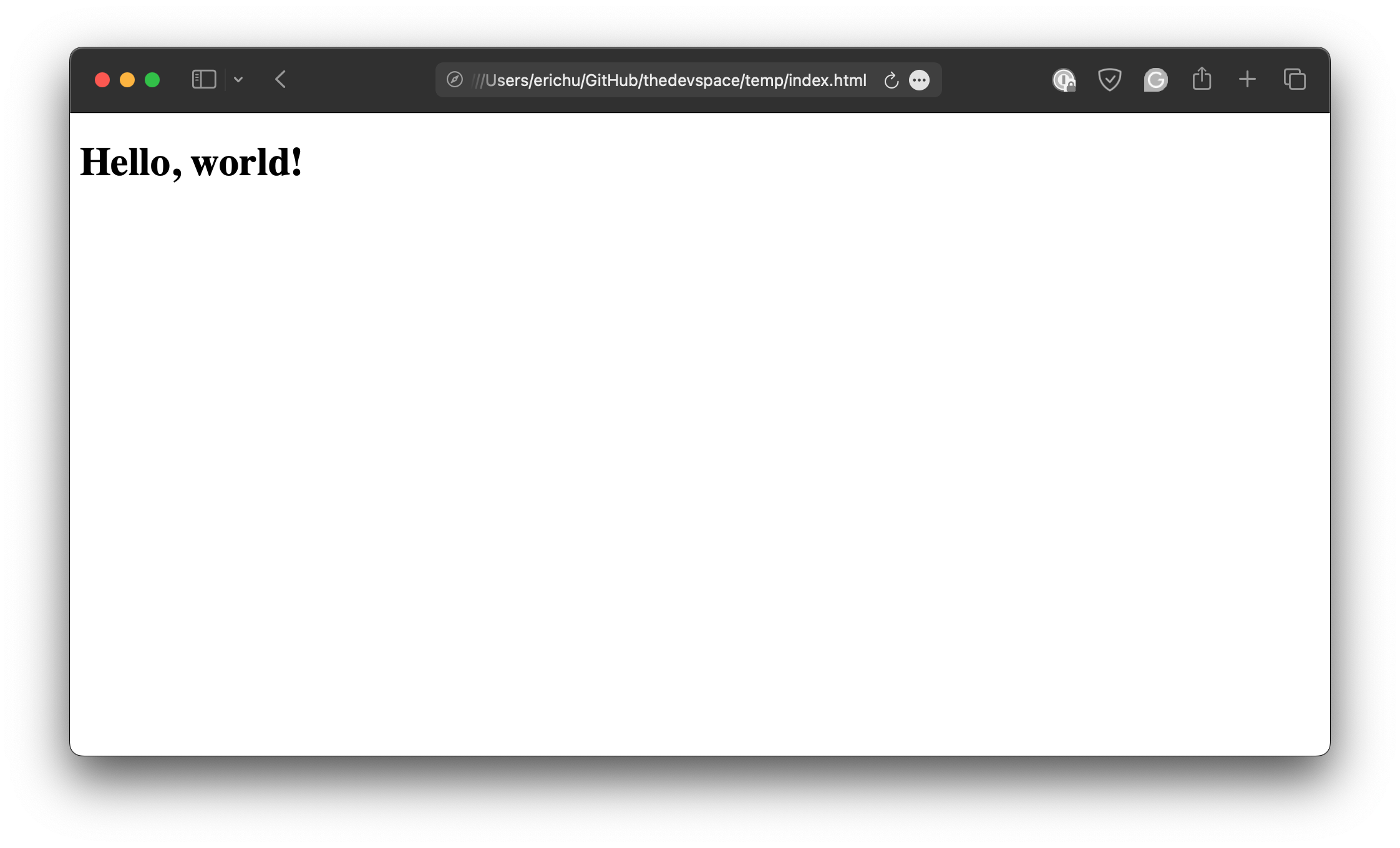
But wait, we are seeing some strange things happening here. What exactly is <MyApp />? We defined MyApp() as a function, but why are we rendering it as if it is an HTML element?
This is, in fact, what JSX is all about. It is a syntax wrapper that allows us to work with HTML inside JavaScript, using a much simpler syntax. Without it, we’ll have to render the element like this:
function MyApp() {
  return React.createElement("h1", null, "Hello, world!");
}

const container = document.getElementById("root");
const root = ReactDOM.createRoot(container);
root.render(React.createElement(MyApp));
We’ll come back to the topic of JSX later.
export default function App() {
  return <h1>Hello, World!</h1>
}