Creating an OpenAI Account
To get started, first go to OpenAI and create a new account.
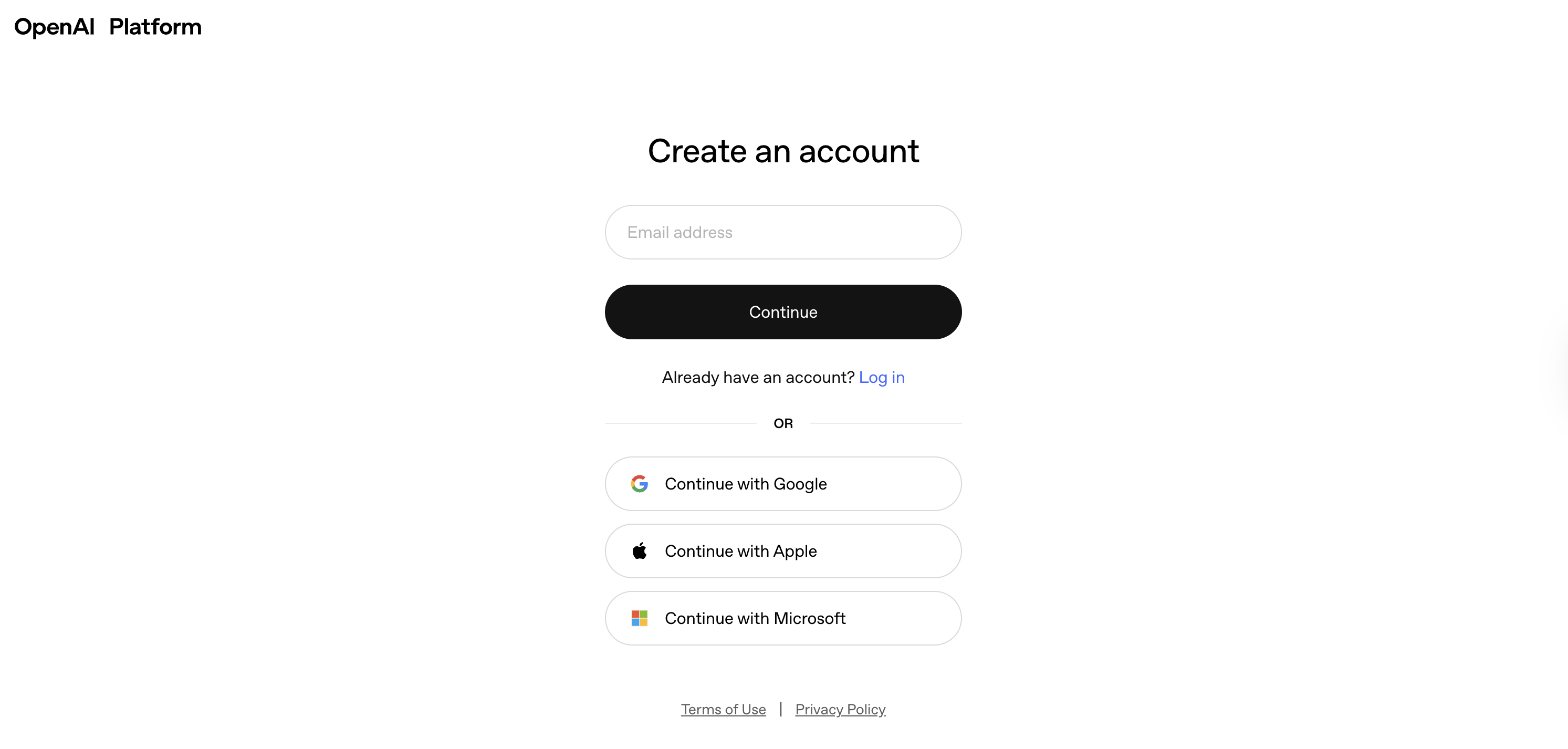
The OpenAI Platform is where you can set up your APIs, check usage stats, view logs, and test different LLMs.
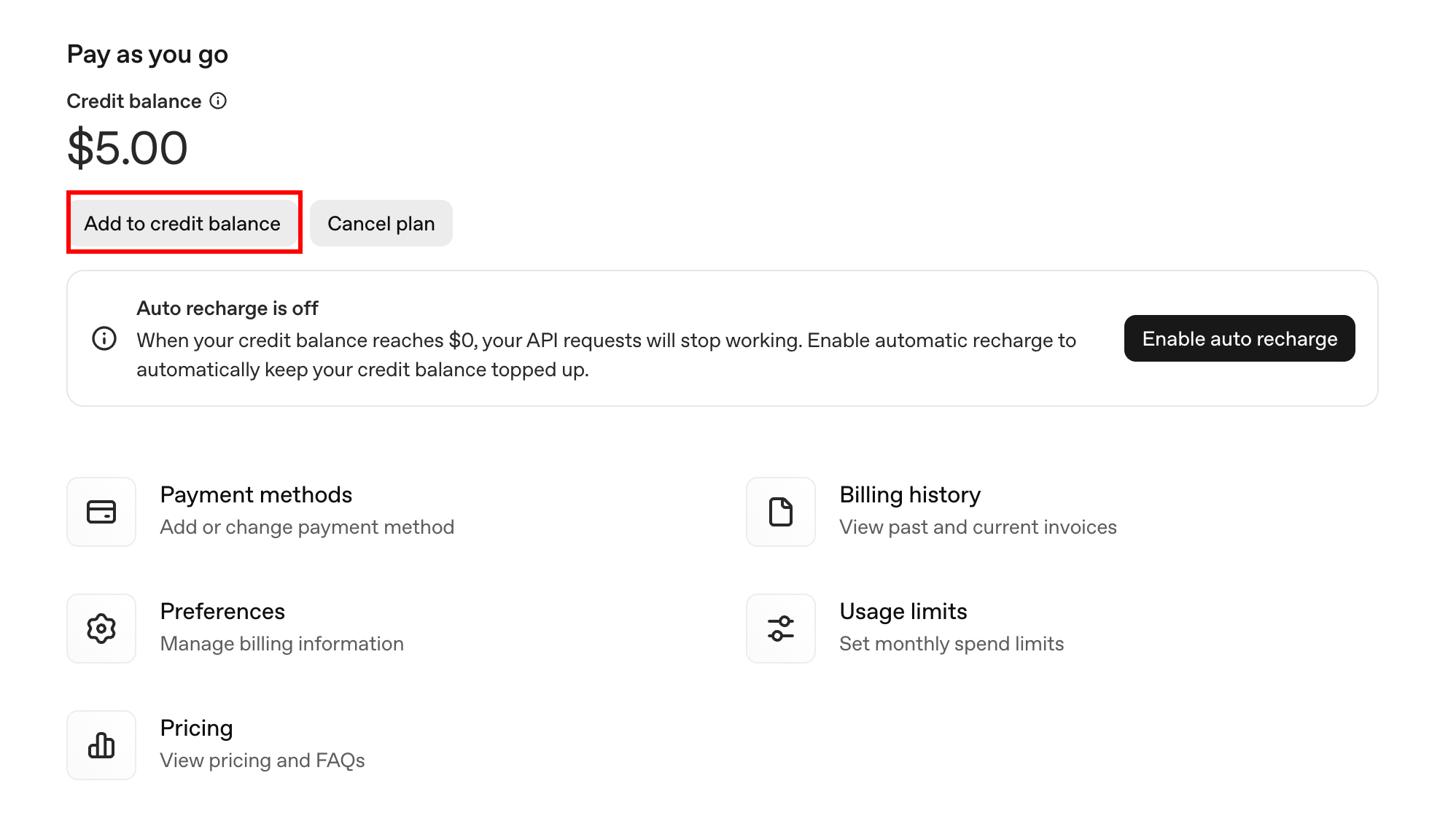
OpenAI requires you to purchase some credits to get started.
Navigate to Settings -> Billing, and click the Add to credit balance button.
Fill in your card information:
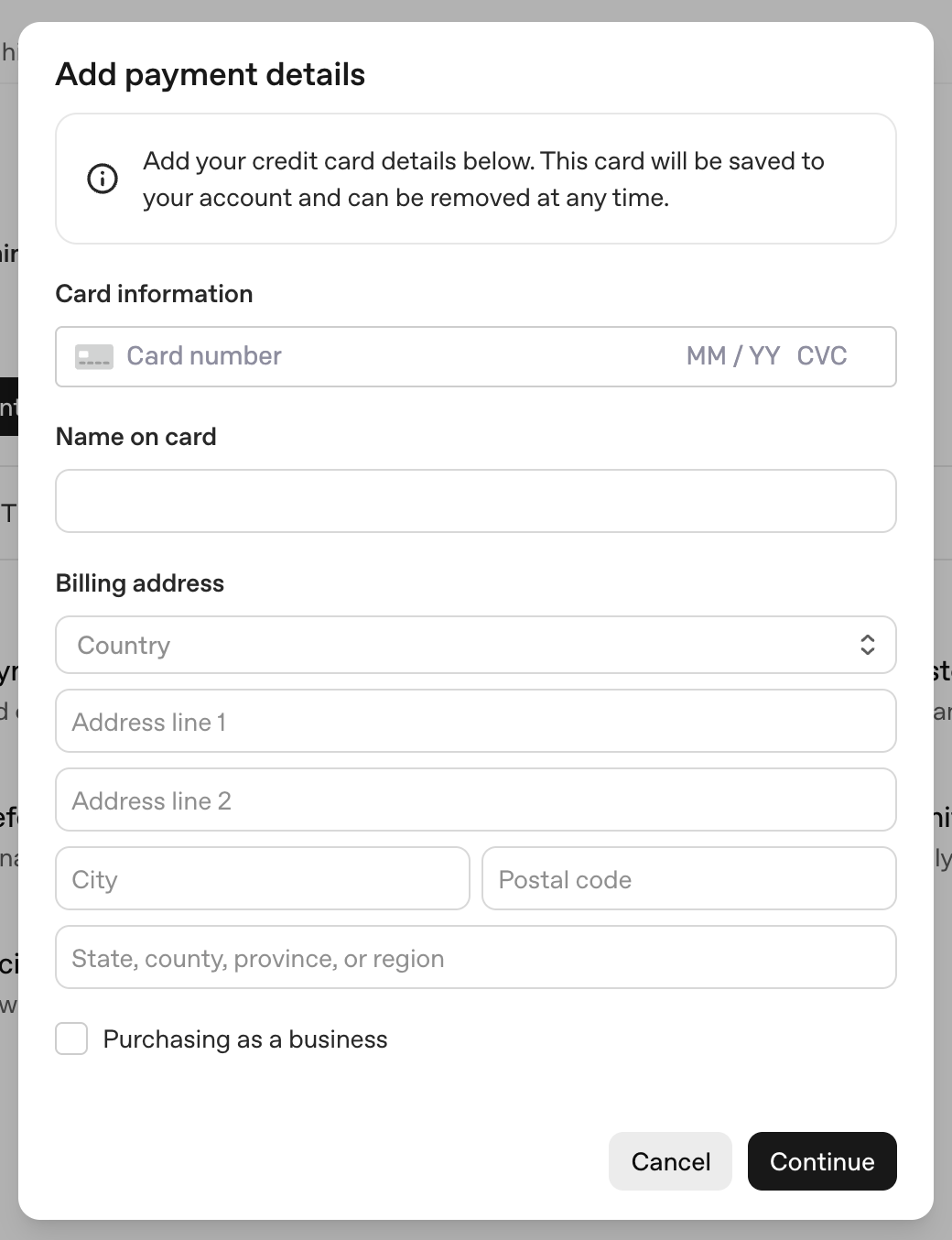
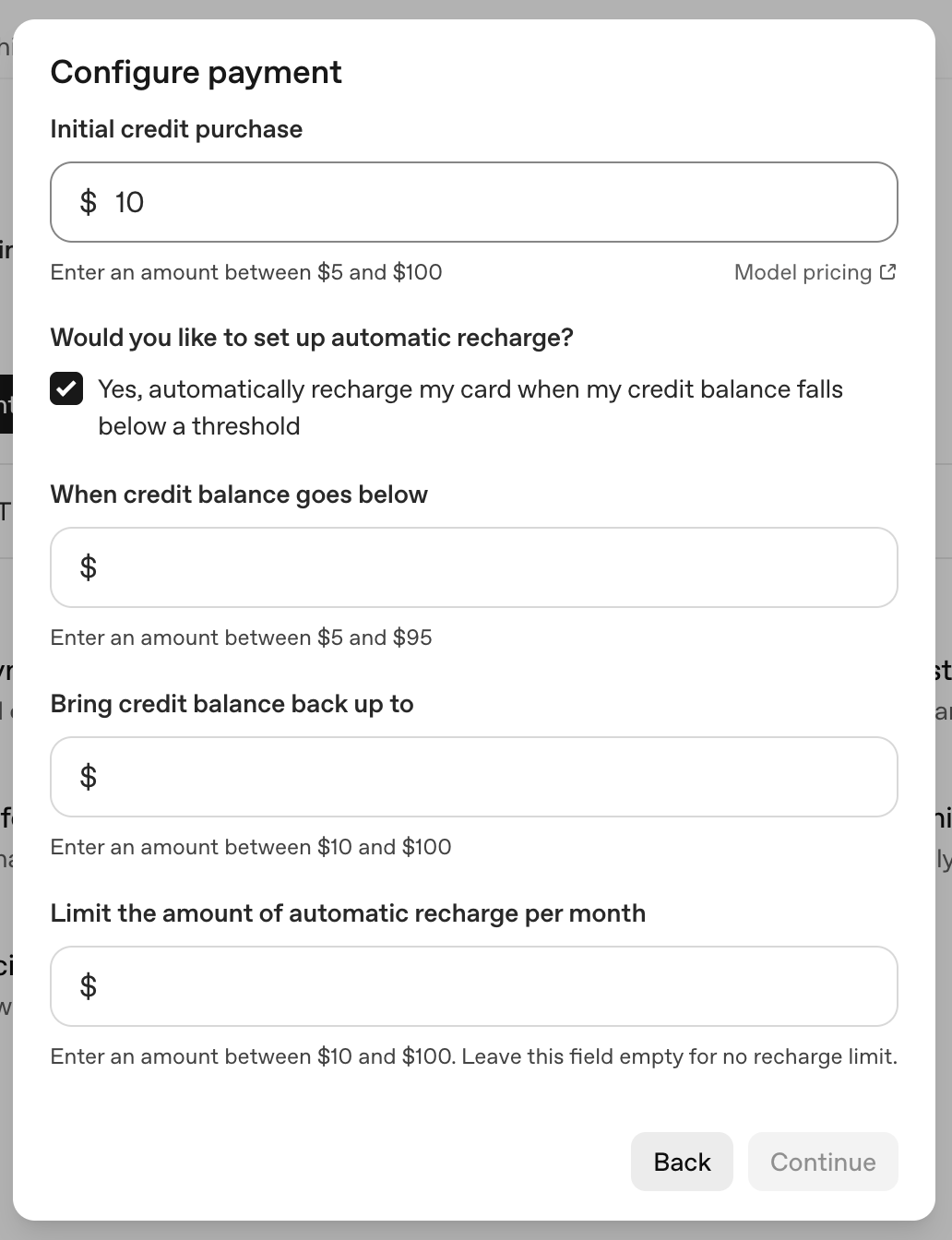
And set up your billing system. The initial credit purchase is at least $5. You can choose whether to enable automatic recharge.
If you're testing out the platform, $5 is more than enough.
And finally, we need to set up an API key to securely access OpenAI's LLM models within our app.
Go to Settings -> API Keys, and click the Create new secret key button.
Type the name for this API key, set Project to our default project, and then click Create secret key.
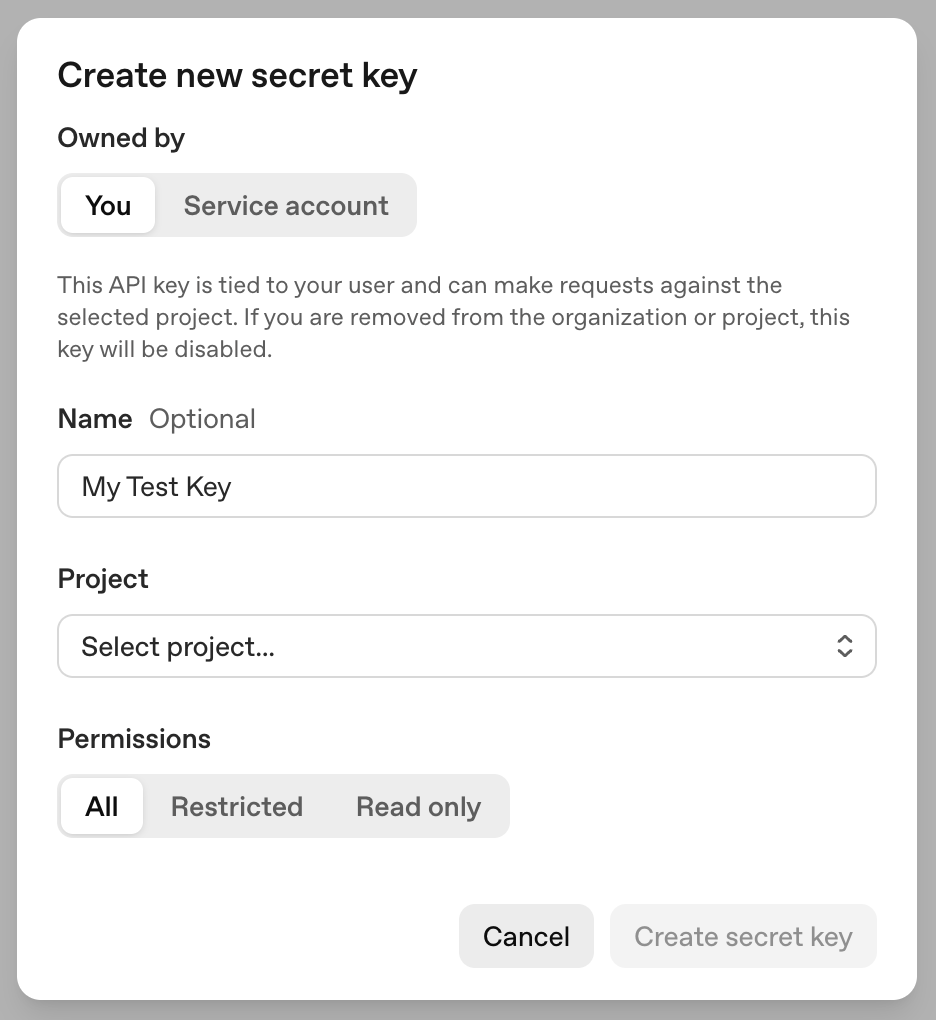
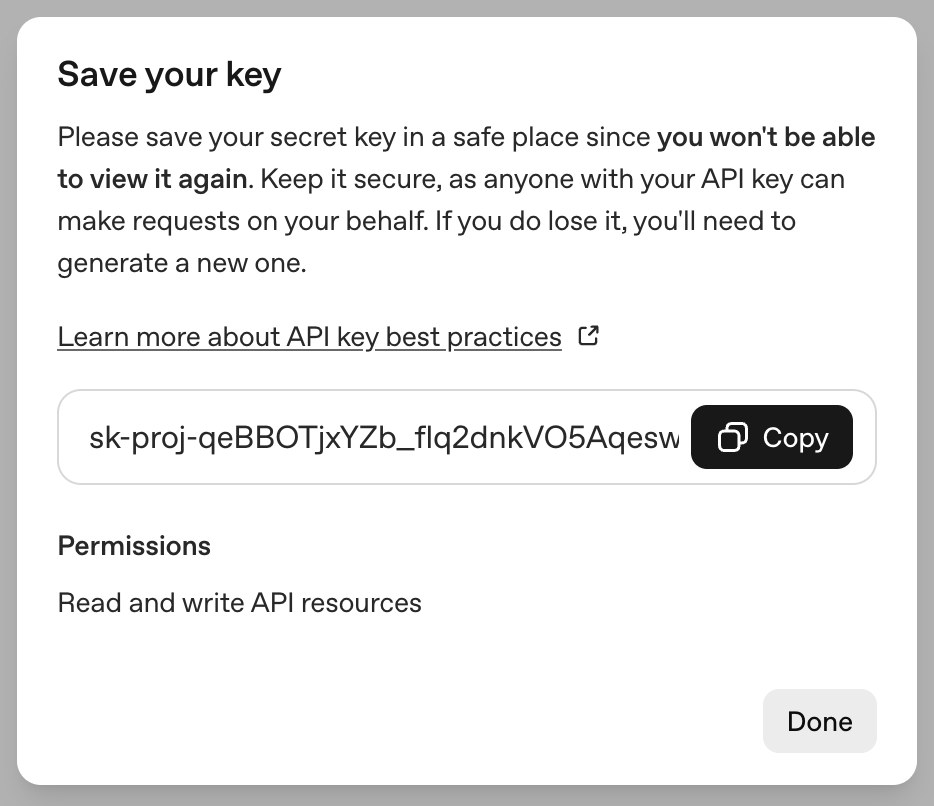
In the next window, copy the API key and save it in a safe place. We'll need to use it later.